
macOS Tahoe (version 26) is the twenty-third and current major release of Apple’s macOS operating system, the successor to macOS Sequoia. It was announced at WWDC 2025 on June 9, 2025.


Stage Manager helps you organize windows on your Mac by keeping your current work in the center of the screen and moving other open apps and windows into a strip along the left side. To turn it on, open Control Center from the menu bar, select Stage Manager, and then click the app or window … Read more
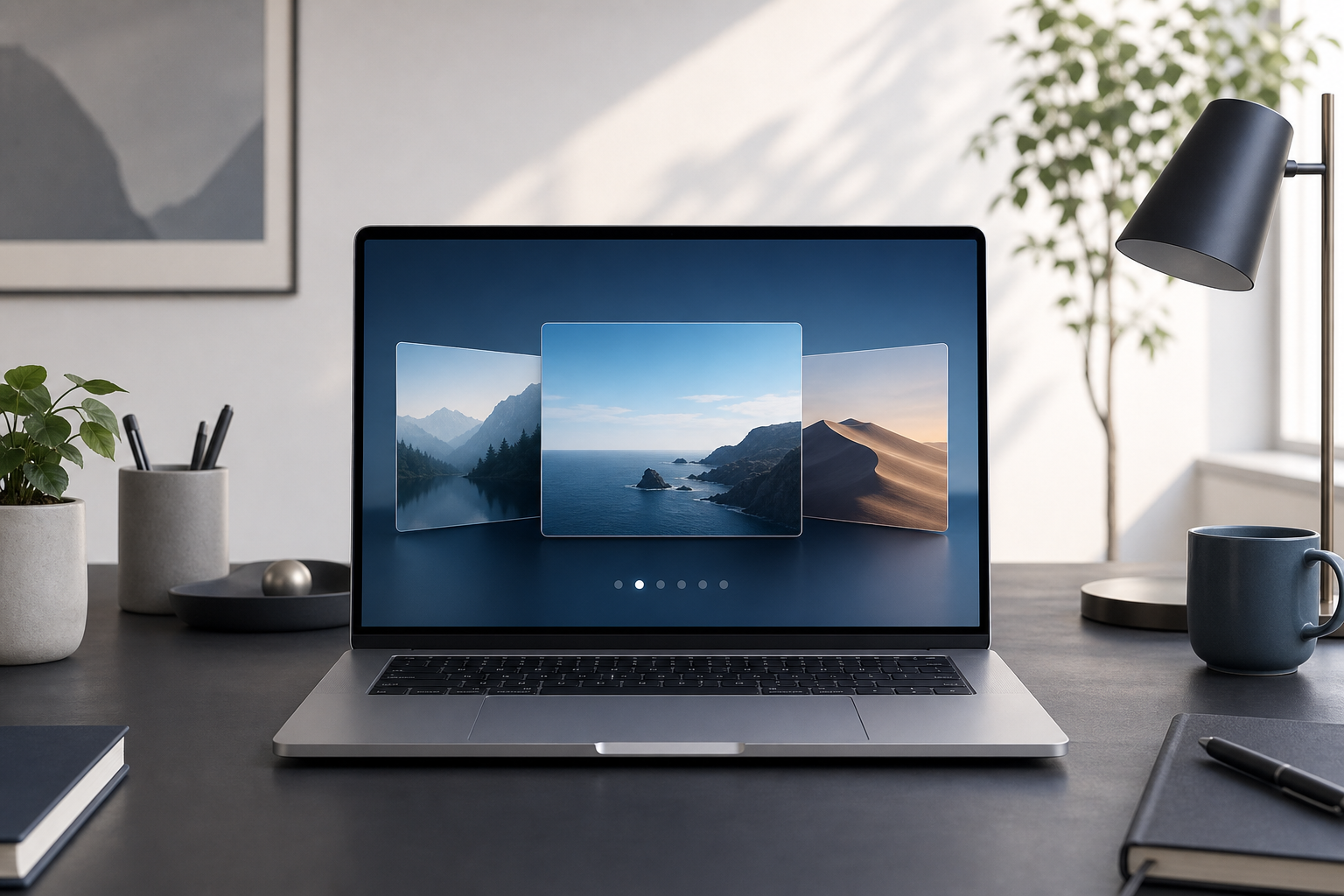
You can use multiple desktops on a Mac by creating additional Spaces in Mission Control. Each Space is a separate desktop where you can organize windows and apps—for example, one for work, one for personal tasks, and another for communication. You can switch between Spaces with a trackpad gesture, keyboard shortcut, or Mission Control. Quick … Read more

Spotlight is macOS’s built-in search tool for finding files, folders, apps, emails, messages, settings, and other information on your Mac. To open it, press Command (⌘)–Space, type what you want to find, and select a result. You can also use Spotlight for calculations, unit and currency conversions, quick definitions, and some actions without opening another … Read more
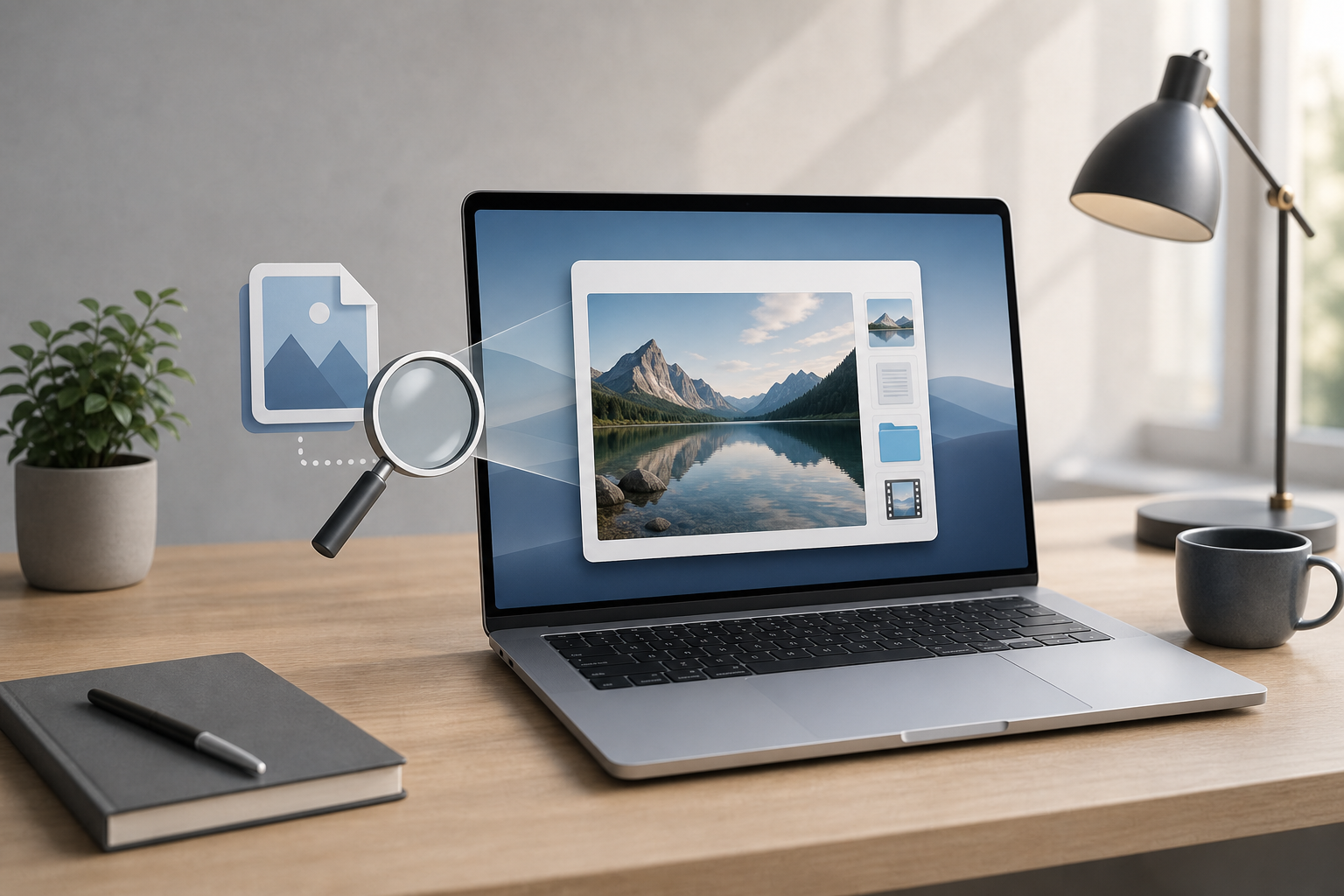
Quick Look lets you preview a file on a Mac without opening it in its full application. In Finder, select a file and press the Space bar. A preview window appears with the file’s contents, basic information, and—when supported—tools for actions such as marking up documents, rotating images, or trimming audio and video. Quick Look … Read more

The quickest way to find large files on a Mac is to open System Settings > General > Storage and review the recommendations and storage categories. For a more precise search, use Finder with a file-size filter, then review each result carefully before moving anything to the Trash. Finding and removing large, unnecessary files can … Read more

A ZIP file combines one or more files or folders into a single compressed archive. On a Mac, you can create a ZIP file in Finder by Control-clicking an item and choosing Compress, then open most ZIP files by double-clicking them. macOS uses the built-in Archive Utility to create and extract ZIP archives. ZIP files … Read more

You can change the default app for a file on your Mac in Finder. To change it for every file with the same extension, open the file’s Get Info window, choose a new app under Open with, and select Change All. Quick Answer Open Finder and locate a file of the type you want to … Read more
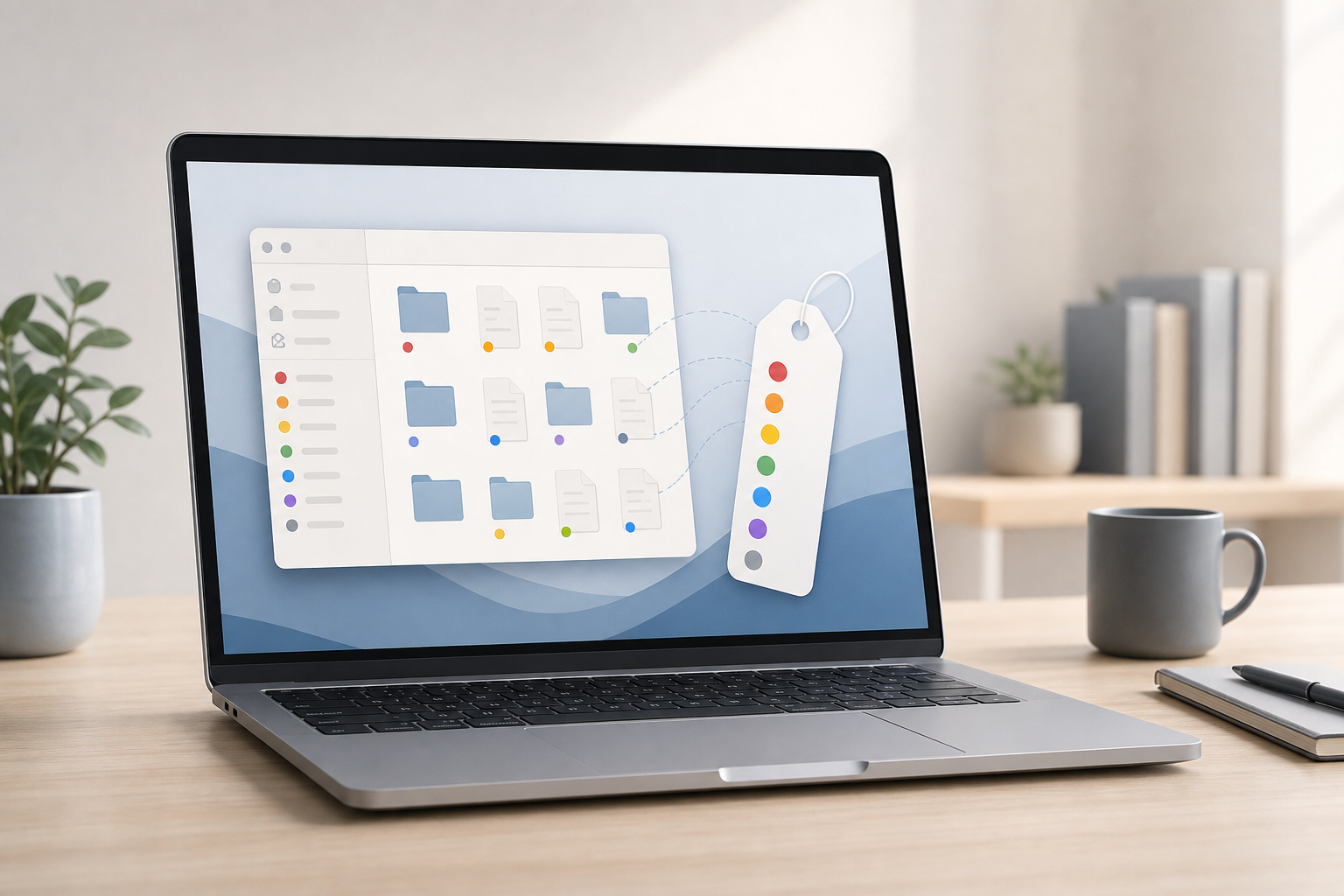
Finder tags let you label files and folders with names and colors, making them easier to organize and find later. You can apply multiple tags to the same item, search for tagged items in Finder, rename tags, and remove tags without moving or duplicating your files. Quick Answer To tag a file or folder on … Read more

To uninstall an app on a Mac, open Finder, select Applications, drag the app to the Trash, and then empty the Trash. Apps downloaded from the App Store can also be removed through Launchpad. Some apps include their own uninstaller, and certain applications leave support files behind after removal. Quick Answer The easiest way to … Read more
macOS Tahoe (version 26) is the twenty-third and current major release of Apple’s macOS operating system, the successor to macOS Sequoia. It was announced at WWDC 2025 on June 9, 2025.