
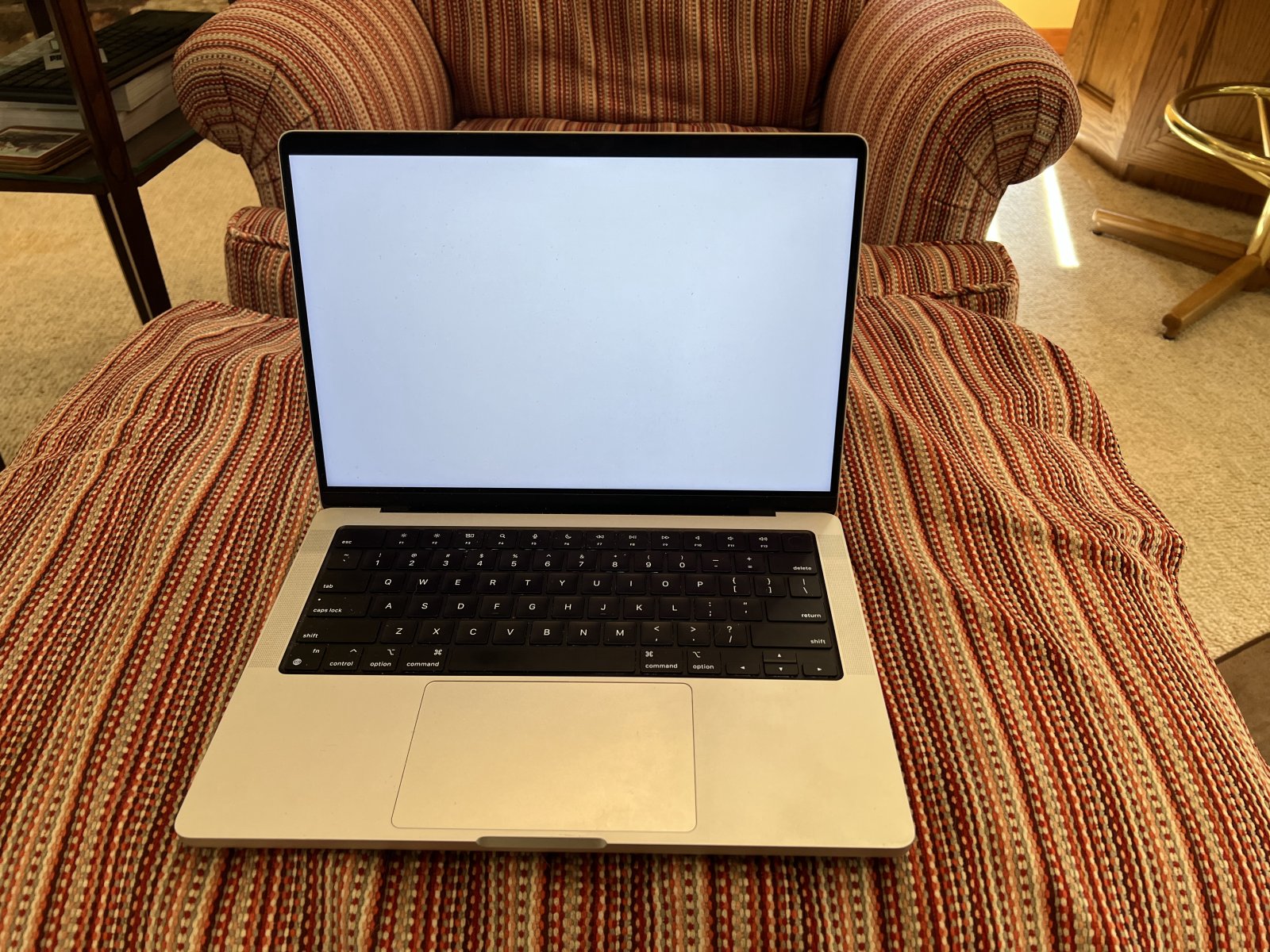
Editorial review recorded; verify sources before use.
Specifications describe model-level options, not the configuration of an individual Mac.
MacBook Pro (14-inch, M1 Pro, 2021): Model Overview
The 2021 14-inch MacBook Pro introduced a redesigned professional notebook with Apple’s M1 Pro chip. The M1 Pro configurations were offered with eight- or ten-core CPUs and 14- or 16-core GPUs, alongside 16GB of unified memory as standard and a 32GB configuration option. This page covers the M1 Pro version, not the M1 Max configuration from the same generation.
Liquid Retina XDR Display
The 14.2-inch Liquid Retina XDR display has a native resolution of 3024 by 1964 pixels. It supports ProMotion with refresh rates up to 120Hz and HDR brightness capabilities designed for professional photo and video work. For buyers choosing between a 13-inch MacBook Pro and this 14-inch model, the larger display and its capabilities are major differences.
Ports and External Displays
The 14-inch M1 Pro model has three Thunderbolt 4 ports, an HDMI port, an SDXC card slot, a MagSafe 3 charging port, and a 3.5mm headphone jack. Apple specifies support for up to two external displays with resolution up to 6K at 60Hz for the M1 Pro configuration. Do not assume the same external-display limit applies to M1 Max versions: the chip configuration matters.
The notebook also includes a 1080p FaceTime HD camera. Apple offered SSD capacities beginning at 512GB and additional storage options at purchase. When evaluating a used Mac, check its actual unified-memory and SSD configuration in System Information instead of inferring it from the model year.
Original macOS and Model Identification
The 14-inch MacBook Pro introduced in 2021 originally shipped with macOS Monterey. The M1 Pro configuration in this catalog uses model identifier MacBookPro18,3. Because the 2021 14-inch family also included M1 Max models, identifying the exact chip is important for an accurate comparison.
Original macOS refers to the software at launch, not the latest version that Apple currently supports. Use confirmed compatibility evidence before planning an upgrade or a macOS recovery installation.
How It Compares
Compared with the 13-inch M2 MacBook Pro (2022), the 14-inch M1 Pro model emphasizes screen technology, additional ports and professional workflows. The 13-inch model is more compact and uses a different generation of Apple silicon. Neither name alone determines which configuration is a better fit: check memory, storage, graphics needs and the number of external displays.
Apple References
Details are grounded in Apple’s 14-inch MacBook Pro (2021) technical specifications and October 2021 launch announcement.
Specifications
| Family | MacBook Pro |
|---|---|
| Model year | 2021 |
| Model Identifier | MacBookPro18,3 |
| Model number (A-number) | Not verified |
| Processor / chip | Apple M1 Pro |
| Architecture | Apple silicon |
| CPU | 8-core CPU (6 performance, 2 efficiency) or 10-core CPU (8 performance, 2 efficiency); 16-core Neural Engine |
| GPU | 14-core or 16-core GPU |
| Memory | 16GB unified memory; configurable to 32GB |
| Storage | 512GB SSD; configurable to 1TB, 2TB, 4TB or 8TB |
| Built-in display | 14.2-inch Liquid Retina XDR, 3024 × 1964, ProMotion up to 120Hz, 1000 nits sustained HDR and 1600 nits peak HDR |
| Ports | Three Thunderbolt 4 (USB-C) ports (up to 40Gb/s), HDMI, SDXC slot, MagSafe 3, 3.5mm headphone jack |
| Wireless | Wi-Fi 6 (802.11ax); Bluetooth 5.0 |
| Battery | 70Wh; up to 11 hours wireless web and 17 hours Apple TV app playback |
| Camera | 1080p FaceTime HD camera |
| External display support | Up to two external displays, each up to 6K at 60Hz |
| Original macOS | macOS Monterey |
| Latest officially compatible macOS | Not verified |
| Repair and upgrade notes | Not verified |
Sources and verification
Editorially reviewed · Last checked 2026-11-08
For firmware and recovery information, consult the 4macos firmware catalog and confirm the exact Model Identifier before restoring. Software compatibility and signing can change.