How to Create a Bootable macOS Installer

Illustration for How to Create a Bootable macOS Installer
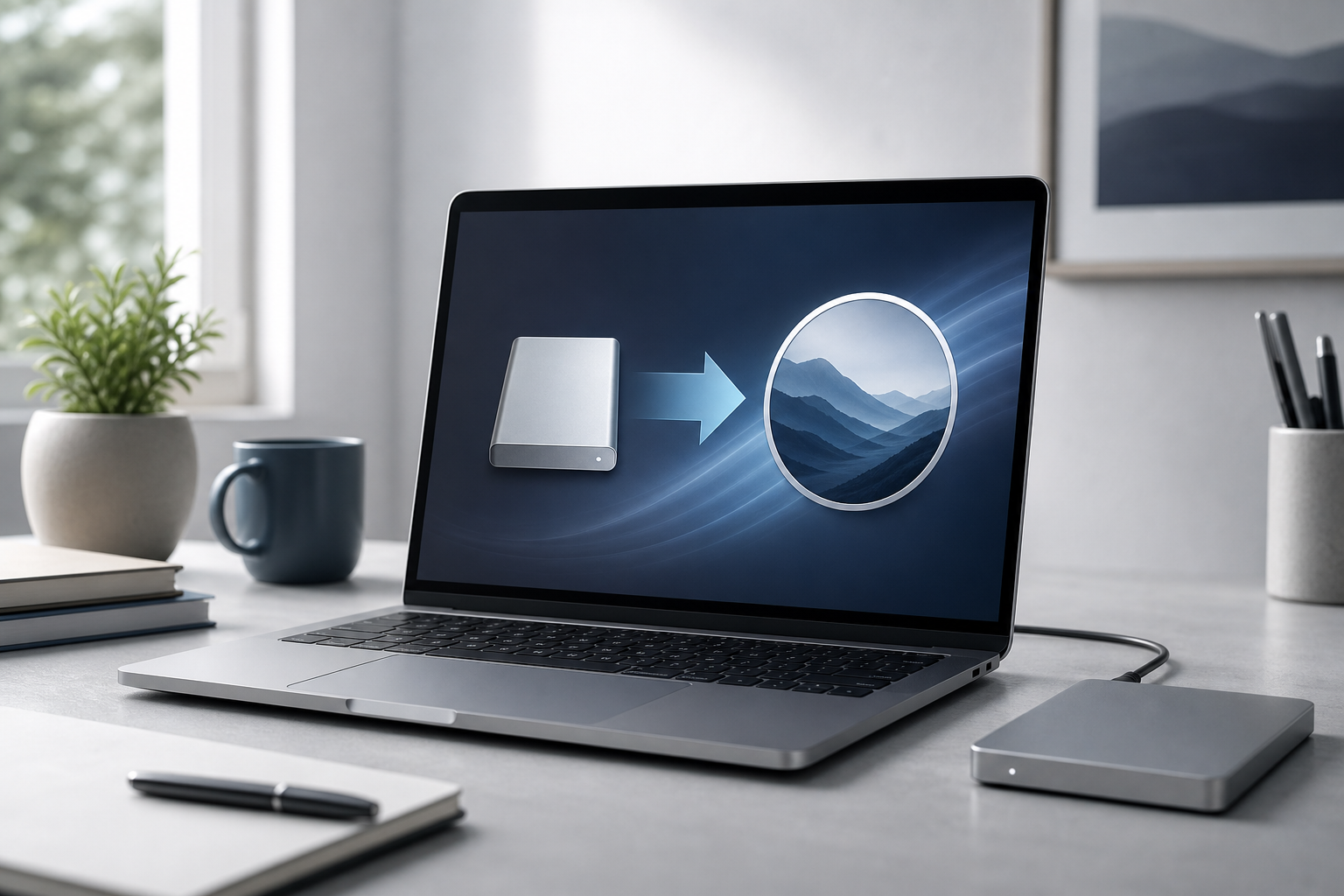
You can create a bootable macOS installer drive with a USB flash drive and Apple’s built-in createinstallmedia command. Download the macOS installer from Apple, erase and format a compatible USB drive in Disk Utility, then run the command for that installer in Terminal. A bootable installer can help you install macOS on a compatible Mac, … Read more
How to Reinstall macOS Without Losing Your Files

Illustration for How to Reinstall macOS Without Losing Your Files

You can usually reinstall macOS without erasing your personal files. The safest method is to start macOS Recovery, choose Reinstall macOS, and install the system on your existing startup disk without using Disk Utility to erase it. A reinstall replaces macOS system files while normally preserving your user accounts, documents, photos, apps, and other data. … Read more

How to Restore Files from a Time Machine Backup

Illustration for How to Restore Files from a Time Machine Backup

You can restore files from a Time Machine backup by opening the folder where the file was stored, entering Time Machine, choosing an earlier version, and selecting Restore. Time Machine can recover deleted files, replace a damaged file with an older copy, restore an entire folder, or help transfer your data to another Mac. Quick … Read more