How to Safely Eject an External Drive on a Mac
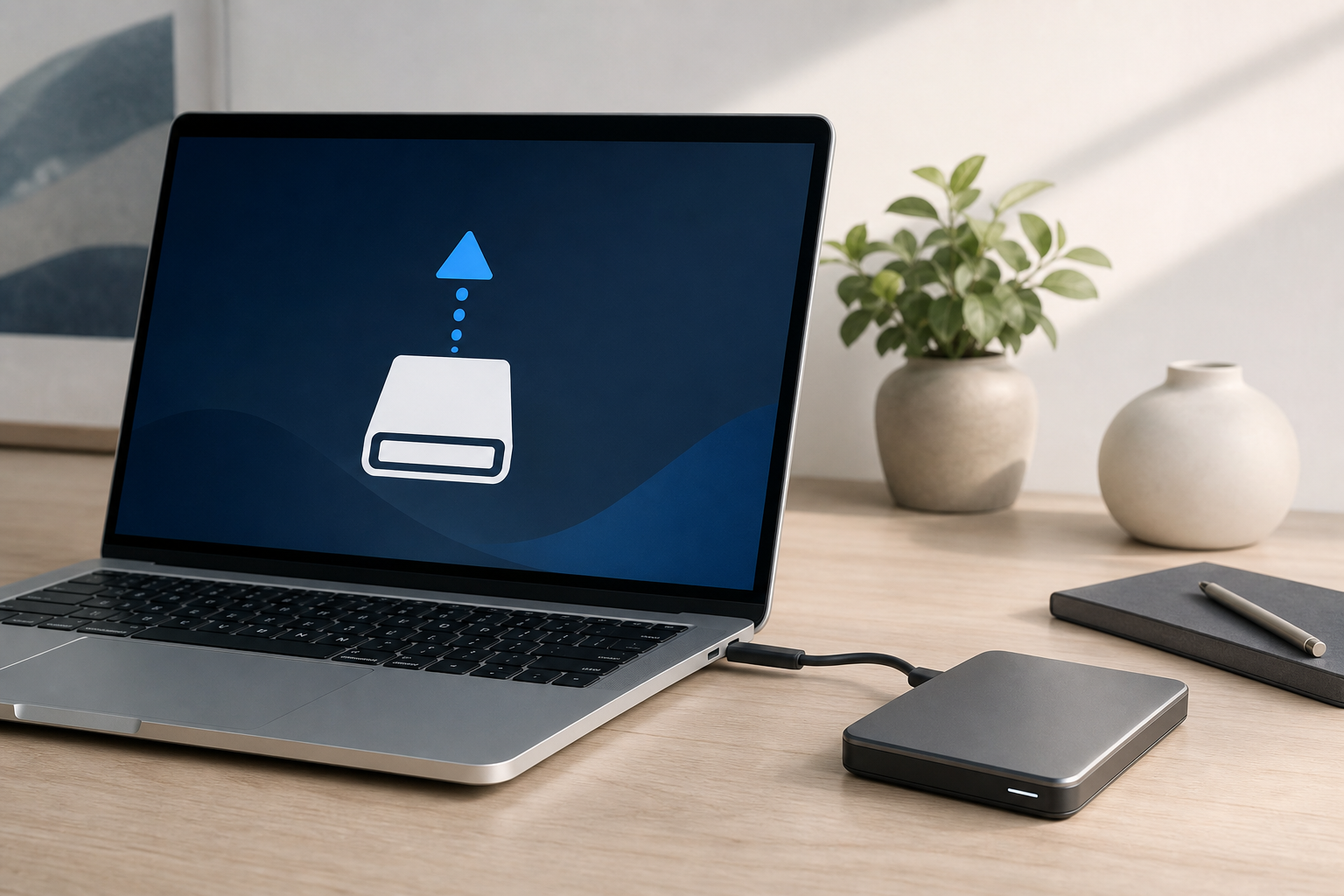
To safely eject an external drive on a Mac, first close files and apps that are using it. Then open Finder, select the drive in the sidebar, and click the Eject button next to its name. Wait for the drive to disappear from Finder before unplugging it. You can also eject a drive from the … Read more