How to Fix Blurry Text on an External Monitor Connected to a MacBook

Illustration for How to Fix Blurry Text on an External Monitor Connected to a MacBook
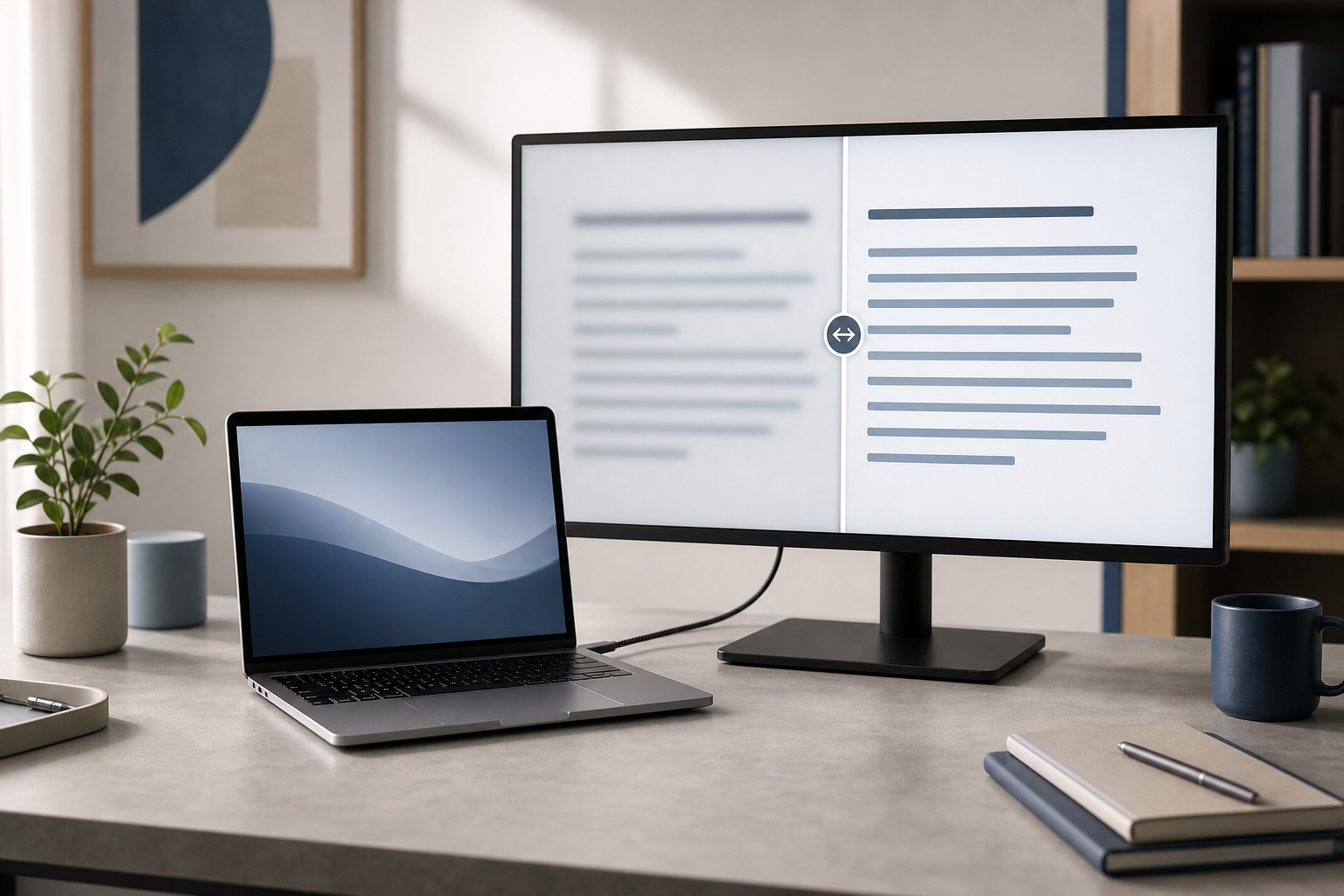
Blurry text on an external monitor connected to a MacBook is usually caused by an unsuitable display resolution or scaling setting, a low-quality cable or adapter, or a mismatch between the monitor and macOS. Start by selecting the monitor’s native resolution in System Settings > Displays, then check the cable, refresh rate, and display connection. … Read more
How to Fix AirPods That Keep Disconnecting from a Mac

Illustration for How to Fix AirPods That Keep Disconnecting from a Mac

If your AirPods connect to your Mac but disconnect repeatedly, check their battery level, turn off automatic device switching, reconnect Bluetooth, and then forget and re-pair the AirPods if necessary. Updating macOS, reducing wireless interference, and testing the AirPods with another device can help identify whether the problem is caused by the Mac, the AirPods, … Read more

How to Fix a MacBook That Is Not Charging Over USB-C

Illustration for How to Fix a MacBook That Is Not Charging Over USB-C

If your MacBook is not charging over USB-C, start by checking the charger’s wattage, trying another USB-C cable, and testing a different power outlet. Then inspect the MacBook’s USB-C ports, restart the Mac, and check whether macOS reports a battery or power-source problem. The issue is often caused by a damaged cable, an underpowered adapter, … Read more

How to Fix an External Display That Keeps Flickering on a Mac

Illustration for How to Fix an External Display That Keeps Flickering on a Mac

An external display that flickers, flashes black, or repeatedly disconnects from a Mac usually has a problem with the connection, refresh rate, resolution, adapter, dock, or display software. Start by reseating the cable and restarting the Mac and monitor. If that does not help, test a different cable or port, use a standard refresh rate … Read more

How to Fix a Mac Keyboard That Is Not Working

Illustration for How to Fix a Mac Keyboard That Is Not Working

A Mac keyboard that is not working is usually caused by a connection problem, low battery, incorrect settings, temporary macOS software trouble, or physical damage. Start by checking the keyboard’s power and connection, then restart your Mac and review keyboard settings. If only certain keys fail, clean around them carefully and look for signs of … Read more

How to Fix the Microphone Not Working on a Mac

Illustration for How to Fix the Microphone Not Working on a Mac

If your Mac microphone is not working, first check the selected input device and input level in System Settings, then confirm that the app has permission to use the microphone. If you use a Bluetooth headset, disconnect and reconnect it, and make sure the headset—not the Mac’s built-in microphone—is selected. Restarting the affected app often … Read more

How to Fix a Mac That Is Overheating

Illustration for How to Fix a Mac That Is Overheating

Quick Answer To fix a Mac that is overheating, save your work, close apps that are using excessive CPU, improve ventilation, stop demanding browser tasks, and install available macOS and app updates. If the Mac becomes unusually hot while idle, shuts down unexpectedly, shows battery swelling, produces unusual fan or hardware noises, or remains hot … Read more