How to Change DNS Servers on a Mac

Illustration for How to Change DNS Servers on a Mac

Changing the DNS servers on your Mac can help troubleshoot websites that will not load, connection errors, or problems resolving domain names. DNS, or Domain Name System, translates website names such as example.com into the numerical IP addresses computers use to connect. You can change DNS servers for a Wi-Fi or Ethernet connection in System … Read more

How to Change the Login Password on a Mac

Illustration for How to Change the Login Password on a Mac

Changing your Mac’s login password is a useful security step if you think someone knows it, if you want to replace a temporary password, or if you simply need a password that is easier for you to remember. You can change it from System Settings on newer versions of macOS or System Preferences on older … Read more

How to Fix a VPN That Won’t Connect on a Mac

Illustration for How to Fix a VPN That Won’t Connect on a Mac

A VPN that will not connect on a Mac is usually caused by an incorrect password, an unstable internet connection, an expired subscription, a blocked network, or a problem with the VPN app. Start by checking your internet connection and VPN account, then restart the app and Mac. If that does not work, try another … Read more

How to Fix a Mac Shortcut That Stops at a Specific Action

Illustration for How to Fix a Mac Shortcut That Stops at a Specific Action

A Mac shortcut that stops at the same action usually has a problem with that action’s input, permission, selected file, app connection, or a setting that changed after the shortcut was created. Open the shortcut in the Shortcuts app, run it one action at a time, and inspect the first action that fails. Then verify … Read more

How to Run a Shell Script from a Shortcut on a Mac

Illustration for How to Run a Shell Script from a Shortcut on a Mac

You can run a shell script from a Mac shortcut by adding the Run Shell Script action in the Shortcuts app. Create a new shortcut, add the action, paste or type your script, choose the correct shell and input settings, then run the shortcut or assign it to a keyboard shortcut, menu bar button, or … Read more

How to Schedule a Shortcut to Run Automatically on a Mac

Illustration for How to Schedule a Shortcut to Run Automatically on a Mac

You can schedule a Shortcut to run automatically on a Mac with the Shortcuts app and the Calendar app. The most reliable method is to create a calendar event that opens the Shortcut at a specific time. You can also use a Shortcuts automation triggered by an event, time, or another condition when that option … Read more

How to Pass Files and Folders as Input to a Mac Shortcut

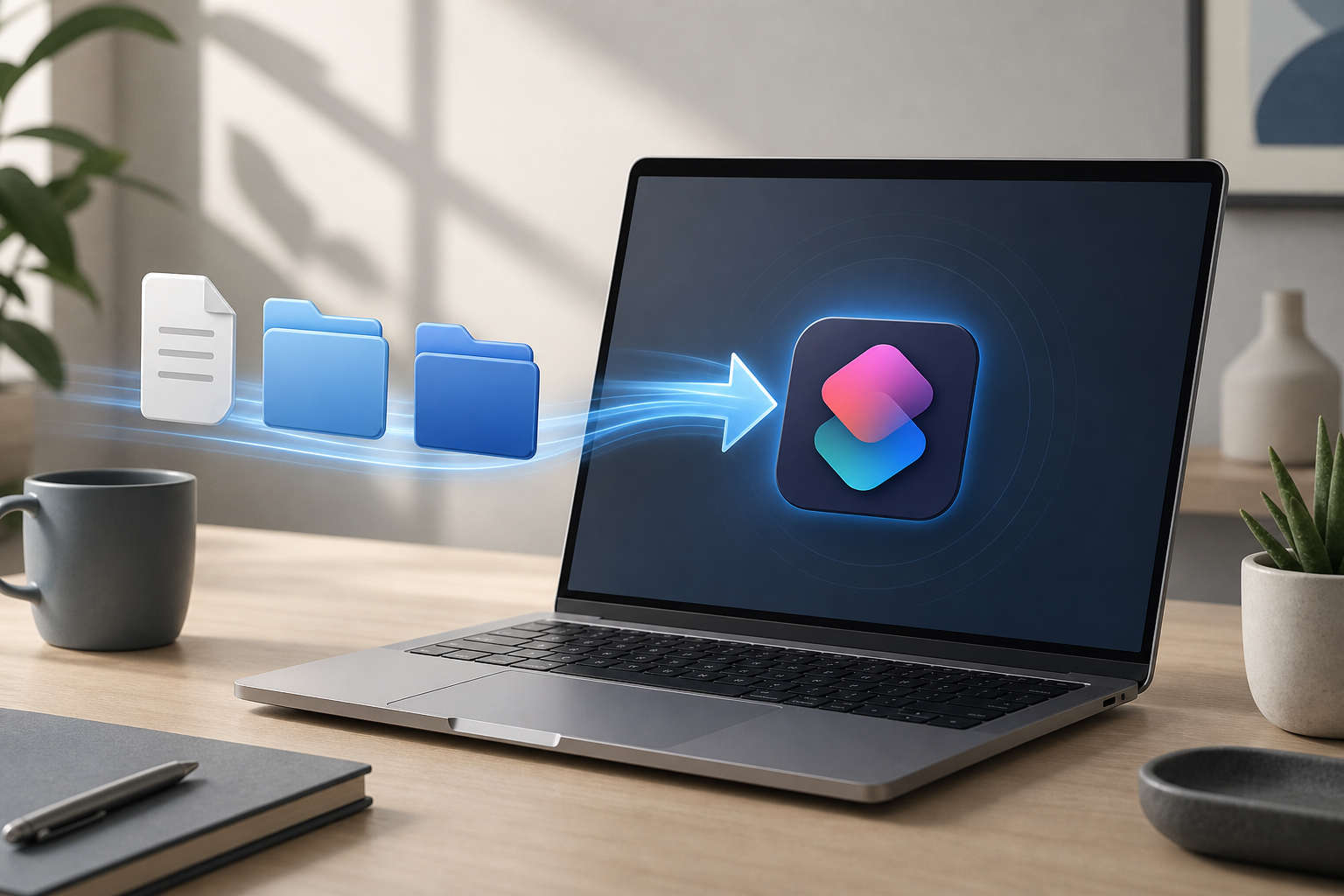
Illustration for How to Pass Files and Folders as Input to a Mac Shortcut

You can pass files and folders to a Mac shortcut by configuring the shortcut to receive input from Finder, then selecting the items and running the shortcut from the Finder Quick Actions menu or the macOS Services menu. You can also drag selected files or folders onto the shortcut in the Shortcuts app. Quick Answer … Read more