
How to Customize the Finder Sidebar on a Mac

Illustration for How to Customize the Finder Sidebar on a Mac

You can customize the Finder sidebar on a Mac from Finder > Settings > Sidebar. There, you can choose which standard locations, iCloud services, drives, tags, and shared items appear. You can also drag folders, files, and apps into the Favorites section, then rearrange or remove them as needed. Quick Answer To customize the Finder … Read more
How to Use Finder Tags on a Mac

Illustration for How to Use Finder Tags on a Mac

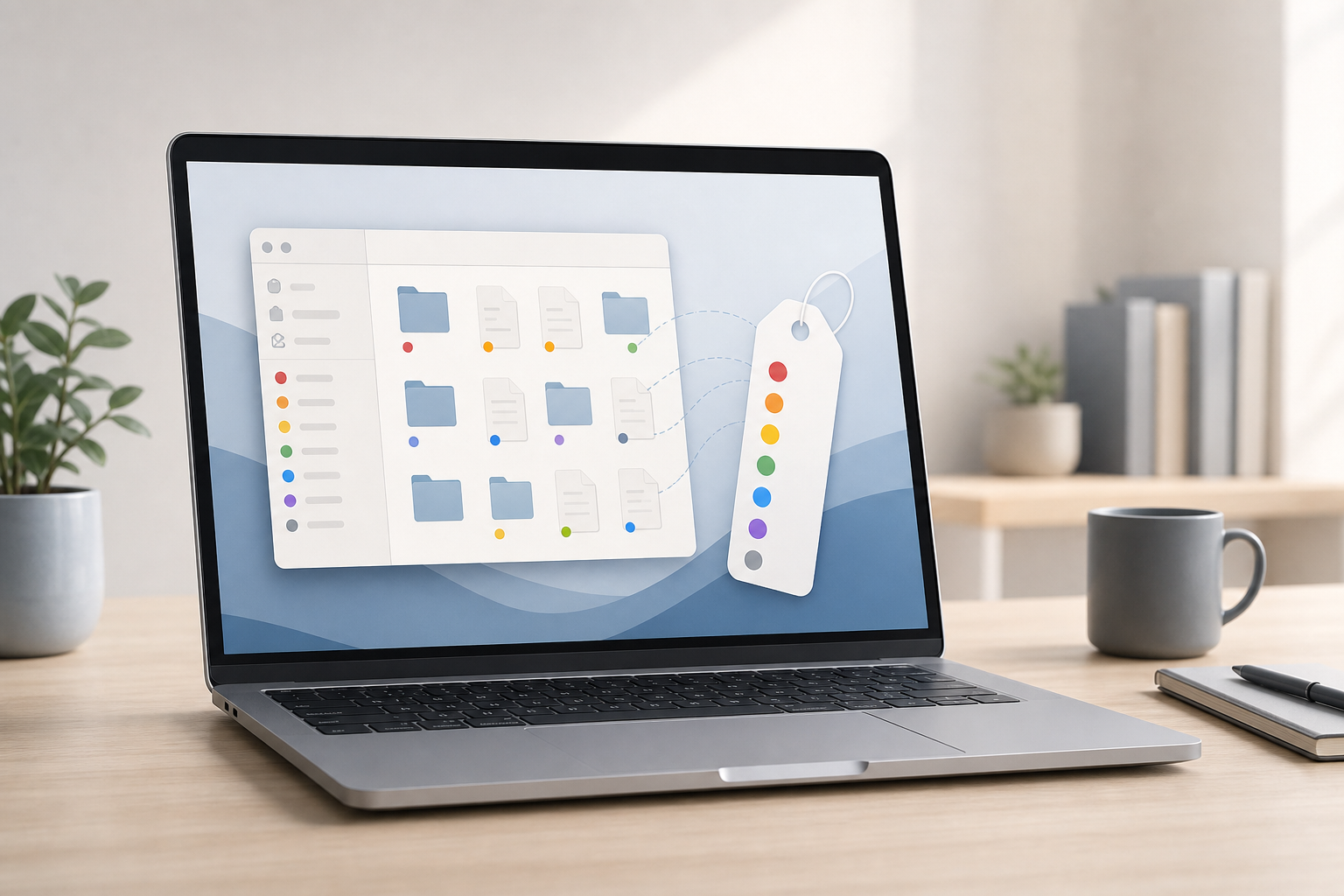
Finder tags let you label files and folders with names and colors, making them easier to organize and find later. You can apply multiple tags to the same item, search for tagged items in Finder, rename tags, and remove tags without moving or duplicating your files. Quick Answer To tag a file or folder on … Read more