Skip to content
4macos – All about Macbook, Mac OS
  • Instructions
  • 🔥 Repair Macbooks
  • Create OS X flash drive

iMac

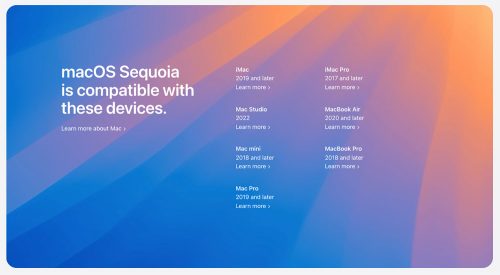
💻 [Instructions] How to install the macOS Sequoia Beta?

30.04.202530.07.2024 by 4macos

Starting with macOS Sonoma, Apple changed the way users receive beta updates. Instead of installing the macOS Beta Access Utility, users can directly install beta updates from System Preferences after registering as a developer.

Read more

Categories Instructions, Sequoia Tags Beta, iMac, Macbook, OS X, Sequoia

Recent entries

  • How to Use an iPad as a Second Display for Mac
  • How to Use an iPhone as a Webcam for Mac
  • How to Use iPhone Mirroring on a Mac
  • How to Use Shortcuts on a Mac
  • How to Customize the Menu Bar and Control Center on Mac
  • July 2026
  • November 2025
  • August 2024
  • July 2024
  • May 2024
© 2026 4macos - All about Macbook, Mac OS • Built with GeneratePress