
How to Use Live Activities from iPhone on Mac

Illustration for How to Use Live Activities from iPhone on Mac
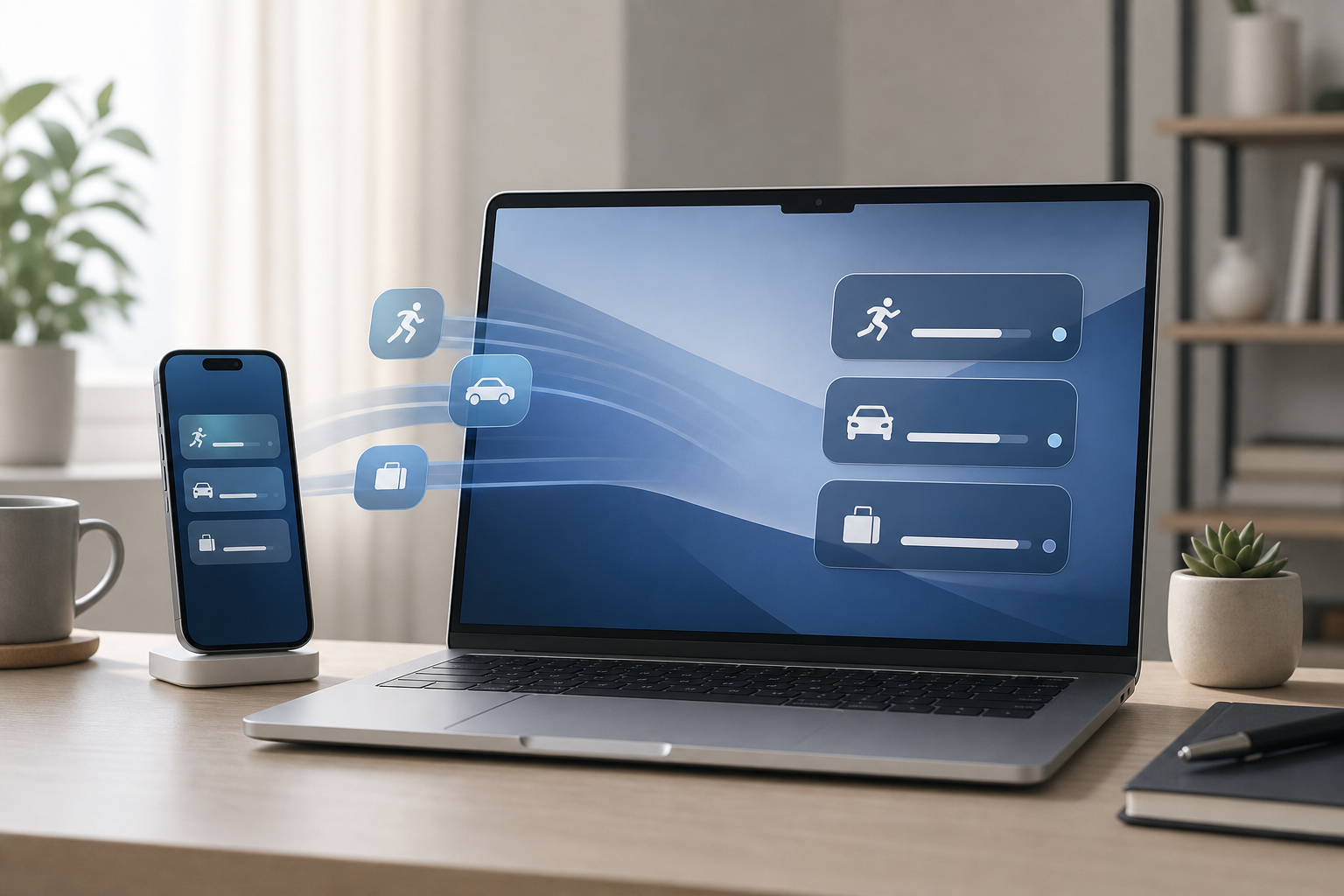
Live Activities from your iPhone can appear in the menu bar on your Mac, allowing you to check ongoing updates without picking up your phone. These updates may include information such as a delivery, a sports score, a ride, or another time-sensitive event supported by an iPhone app. To use Live Activities on your Mac, … Read more
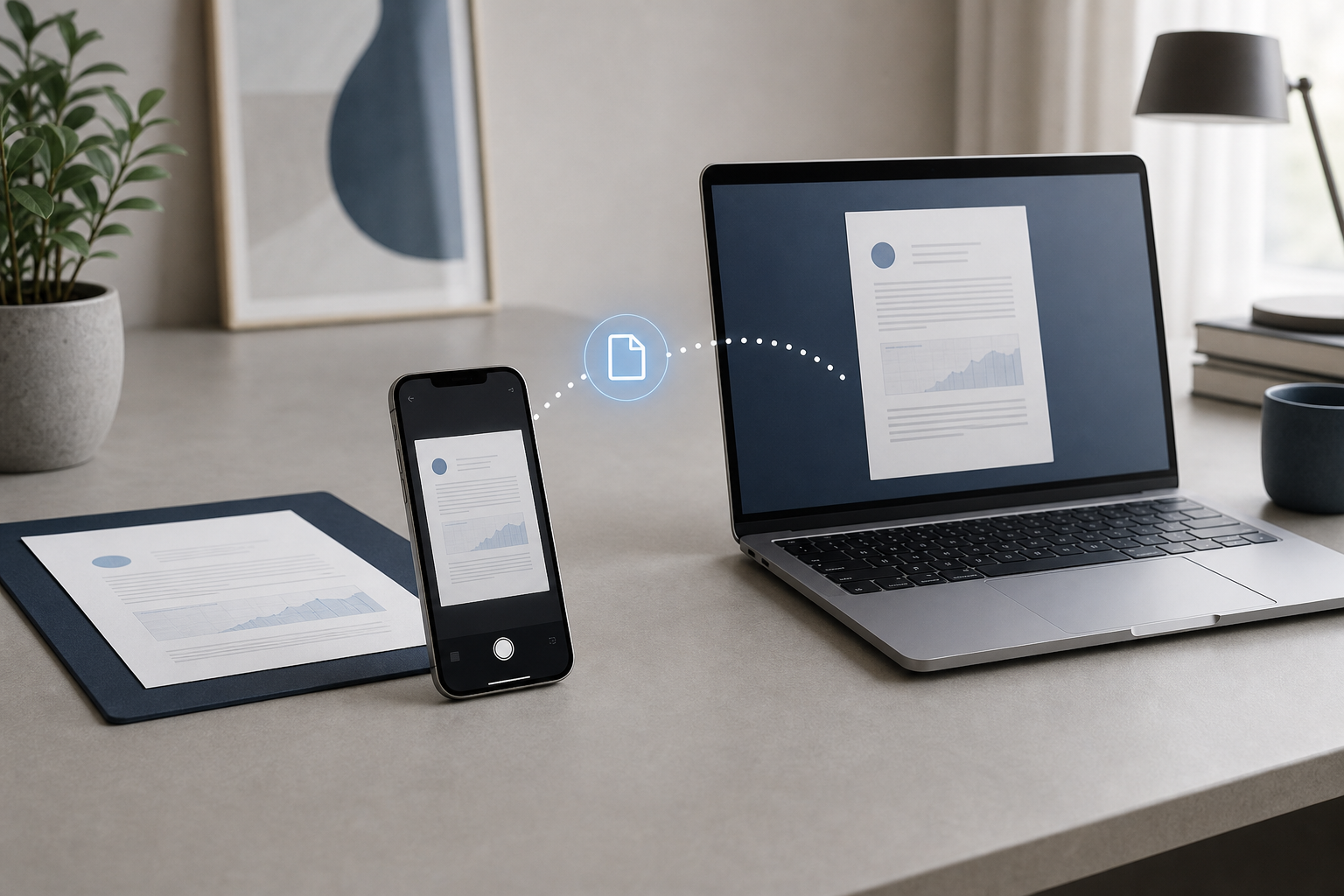
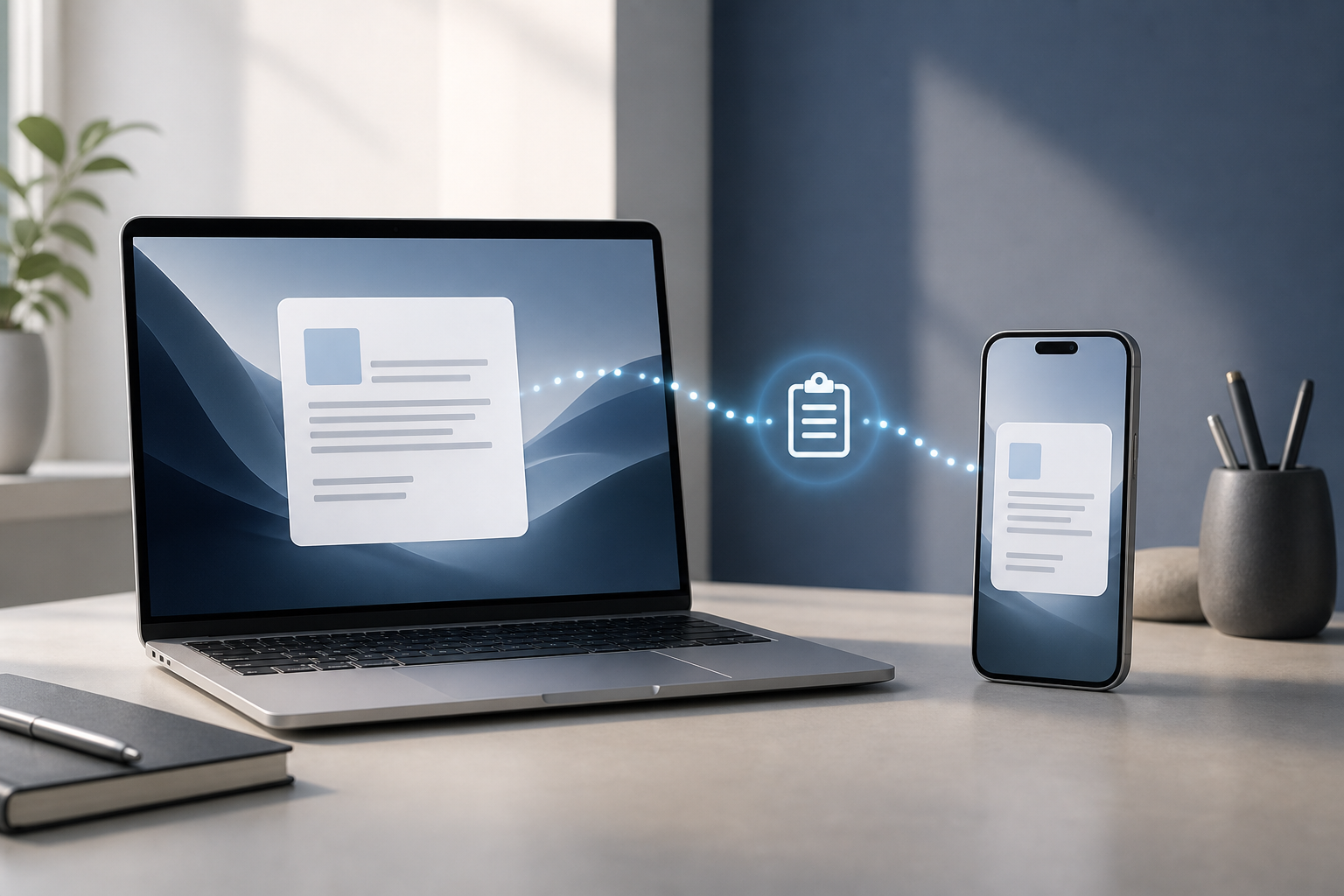
How to Use Universal Clipboard Between Mac and iPhone

Illustration for How to Use Universal Clipboard Between Mac and iPhone

Universal Clipboard lets you copy text, photos, videos, and other supported content on an iPhone and paste it on a Mac—or copy something on a Mac and paste it on an iPhone. It works through Apple’s Continuity features and is useful when you want to move a small piece of information without sending yourself an … Read more

How to Use an iPhone as a Webcam for Mac

Illustration for How to Use an iPhone as a Webcam for Mac

You can use an iPhone as a webcam for your Mac with Apple’s built-in Continuity Camera feature. It lets compatible video apps use the iPhone’s rear or front camera instead of your Mac’s built-in camera. You can also use effects such as Center Stage, Portrait, and Studio Light, plus Desk View to show your workspace … Read more

How to Use iPhone Mirroring on a Mac

Illustration for How to Use iPhone Mirroring on a Mac

iPhone Mirroring lets you view and control your iPhone from your Mac. You can open iPhone apps, swipe through screens, receive iPhone notifications, and interact with the phone using your Mac’s keyboard, trackpad, or mouse—without picking up the iPhone. Quick Answer To use iPhone Mirroring: Make sure your Mac and iPhone meet Apple’s compatibility requirements. … Read more