How to Fix a Mac Showing a Flashing Folder With a Question Mark

Illustration for How to Fix a Mac Showing a Flashing Folder With a Question Mark
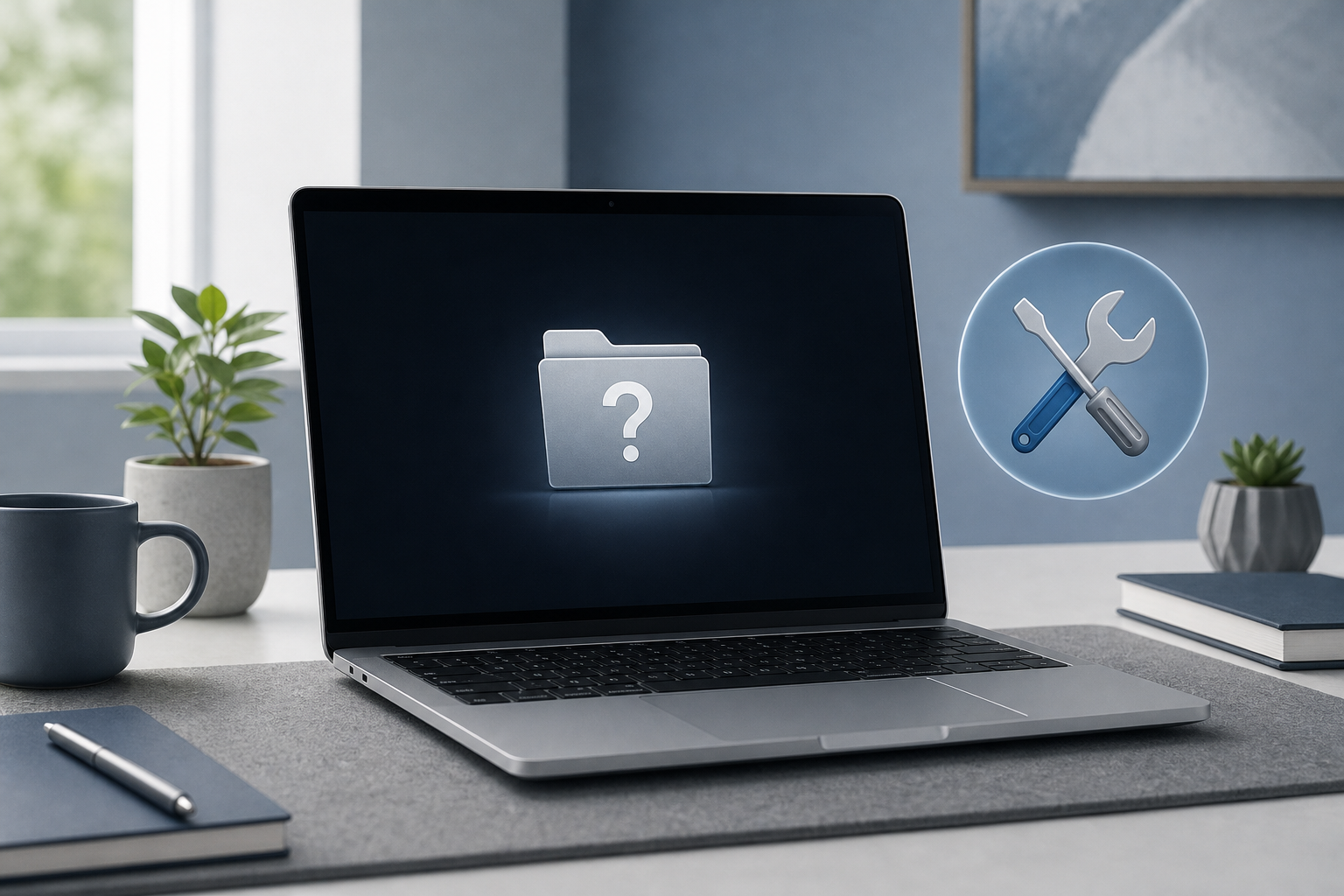
A flashing folder with a question mark means your Mac cannot find a startup disk containing macOS. The problem may be temporary, such as an incorrect startup-disk selection, or it may indicate a damaged macOS installation or a failing internal drive. Start by turning the Mac off completely, disconnecting external storage, and starting macOS Recovery. … Read more

How to Fix a Mac That Keeps Restarting During Startup

Illustration for How to Fix a Mac That Keeps Restarting During Startup

A Mac that repeatedly restarts during startup is usually experiencing a software conflict, a problem with startup data, an incompatible peripheral, or a hardware or storage failure. Disconnect accessories, try Safe Mode, install available macOS updates, and use macOS Recovery to repair the startup disk or reinstall macOS without erasing your files. Follow the steps … Read more

How to Fix a Mac Stuck on a Black Screen at Startup

Illustration for How to Fix a Mac Stuck on a Black Screen at Startup

A Mac stuck on a black screen at startup may have a simple power, display, or connection problem—or it may be unable to load macOS. Start with the basics: check power and brightness, disconnect accessories, force the Mac to shut down, and start it again. If the screen remains black, use macOS Recovery to run … Read more

How to Fix a Mac With a Kernel Panic During Startup

Illustration for How to Fix a Mac With a Kernel Panic During Startup

A kernel panic during startup means macOS encountered a serious system-level error and could not continue loading. The Mac may restart repeatedly, show a message that it was restarted because of a problem, freeze on the Apple logo, or display a black or gray screen. Start with the least destructive solutions: disconnect accessories, perform a … Read more

How to Fix a Mac Stuck on the Apple Logo

Illustration for How to Fix a Mac Stuck on the Apple Logo

A Mac stuck on the Apple logo may simply be taking longer than usual to start, especially after a macOS update. Wait several minutes first, then disconnect all accessories and restart the Mac. If it still will not boot, start in Safe Mode, use Disk Utility from macOS Recovery, and reinstall macOS if necessary. The … Read more

How to Fix a Mac That Won’t Turn On

Illustration for How to Fix a Mac That Won't Turn On

If your Mac will not turn on, check the power source, charger, display, and connected accessories first. Then disconnect everything except power, hold the power button for up to 10 seconds to force a shutdown, and press it once to start the Mac again. If the Mac still shows no signs of life, try the … Read more