How to See Which Apps Can Record Your Screen on a Mac

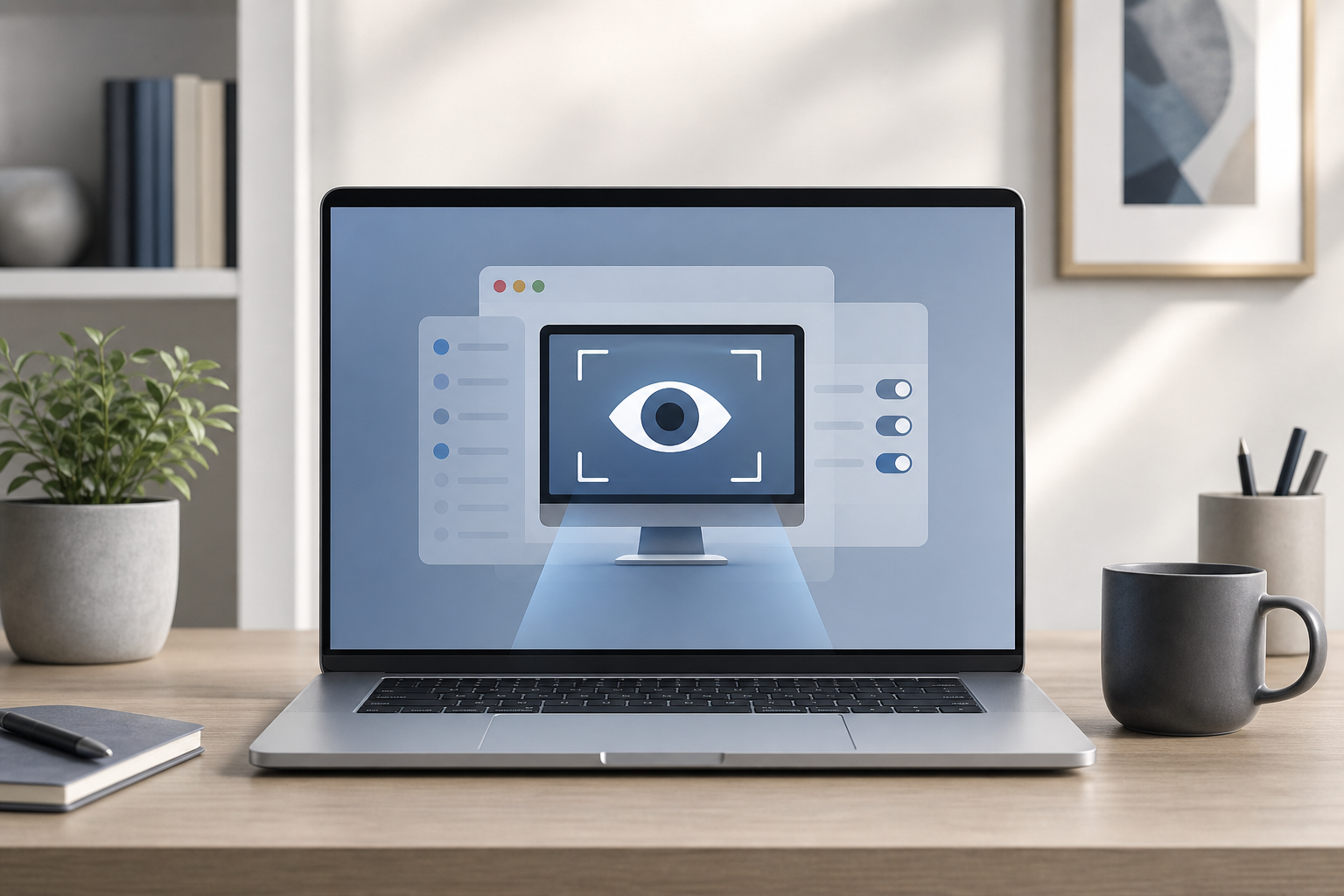
Illustration for How to See Which Apps Can Record Your Screen on a Mac

Quick Answer To see which apps can record your Mac’s screen: Open the Apple menu and select System Settings. Click Privacy & Security in the sidebar. Select Screen & System Audio Recording. Review the list of apps and turn access on or off for each one. On some older versions of macOS, the setting is … Read more

How to Check Which Apps Have Location Access on a Mac

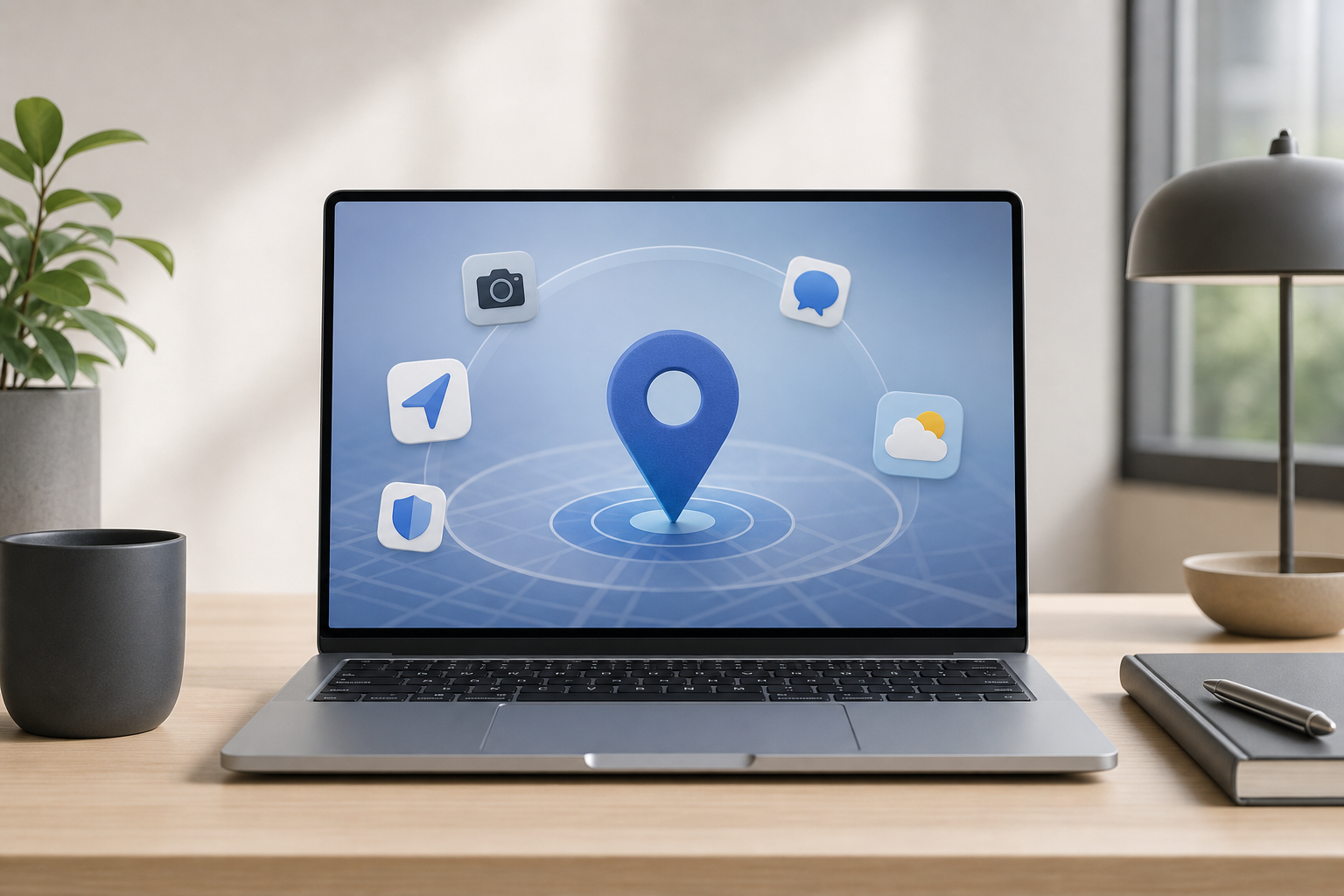
Illustration for How to Check Which Apps Have Location Access on a Mac

Your Mac keeps a list of apps that have requested permission to use your location. You can review that list and turn access on or off in System Settings > Privacy & Security > Location Services. Quick Answer Click the Apple menu in the top-left corner and choose System Settings. Select Privacy & Security in … Read more

How to Reset an App’s Privacy Permissions on a Mac

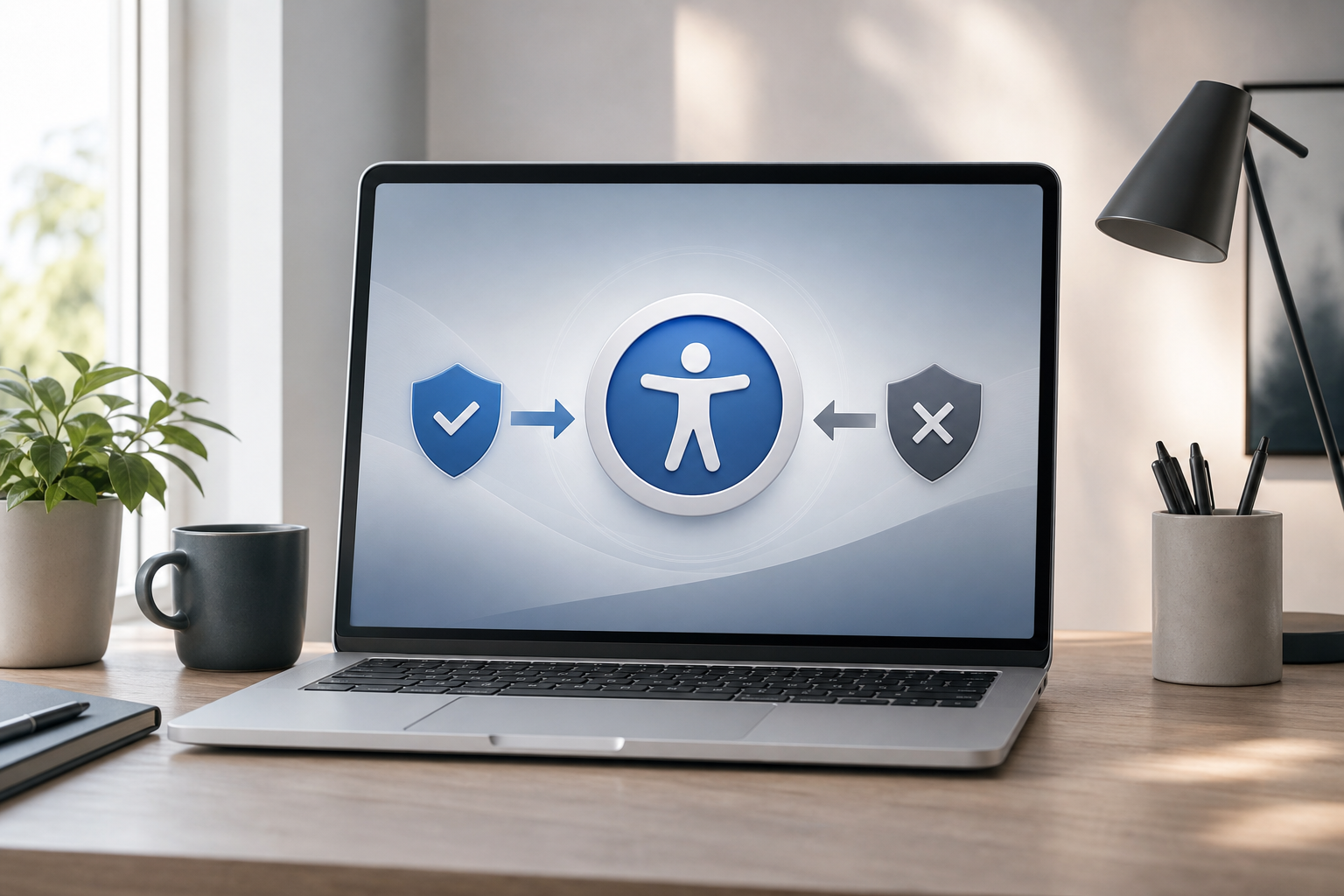
Illustration for How to Reset an App’s Privacy Permissions on a Mac

If an app cannot use your Mac’s microphone, camera, screen recording, files, or other protected features, resetting its privacy permissions can fix the problem. The safest method is to remove the app’s permission in System Settings, then open the app and allow access again when macOS asks. Quick Answer To reset an app’s privacy permissions … Read more

How to Restore One File from Time Machine

Illustration for How to Restore One File from Time Machine

Time Machine can restore an individual file without replacing everything on your Mac. The simplest method is to open the folder where the file was stored, enter Time Machine, choose an earlier version, and click Restore. The recovered file normally returns to its original folder. Quick Answer Open the folder that originally contained the missing … Read more