How to Use a MacBook with the Lid Closed

Illustration for How to Use a MacBook with the Lid Closed

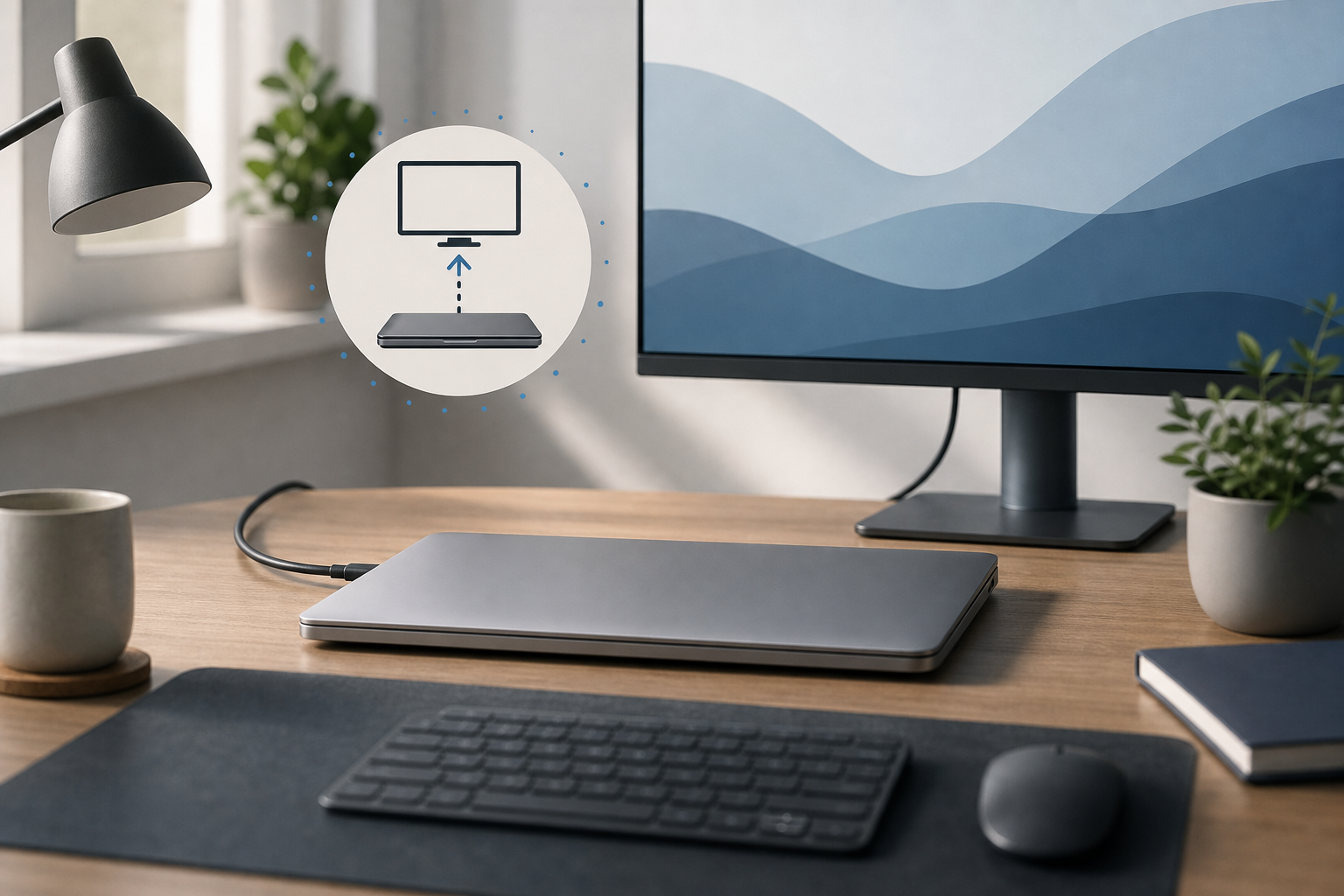
You can use a MacBook with the lid closed by connecting it to an external display, connecting the MacBook to power, and using an external keyboard and mouse or trackpad. This setup is commonly called closed-display mode or clamshell mode. It lets you use your MacBook like a desktop Mac while keeping the built-in screen … Read more

πŸ’» [Instructions] What to do if your MacBook is flooded?

The most annoying and common problem with Apple products is moisture getting into the device. No one is immune from this, and it is very important to know what to do in such situations. If liquid gets on your MacBook, repairs, unfortunately, cannot be avoided.
The first step is to disconnect your MacBook from power and disconnect all devices. After which, it is advisable to immediately turn the open device over with the keyboard facing down to avoid liquid getting on the motherboard or screen.

Read more

πŸ”₯ [Instructions] Replacing battery MacBook Air and Pro (A1708 and A2179)

For every person who uses Apple technology, and in particular a MacBook, it is very important that the device works properly and the battery life does not interfere with everyday activities. Apple assures that the MacBook battery is designed for 1000 full recharge cycles. Subsequently, it provides up to 80% of the original capacity. When we notice that the battery life has decreased significantly, we often do not pay attention and increasingly leave it on charge. But not everyone knows that long-term use of a MacBook with a faulty or damaged battery can negatively affect the operation of your device and lead to fraught consequences. A worn out or faulty battery can swell and damage the keyboard or touchpad on your device. Based on this, it is important to understand that it is not worth bringing the MacBook battery life to the last stage. In order to find out the number of recharge cycles on your device, you just need to go to the power properties of your MacBook.

Read more

πŸ‘‰ Why does the MacBook overheat?

Any computer has the property of heating up. This is quite a normal phenomenon, as long as the temperature is within acceptable limits. First of all, MacBooks are prone to overheating, for the most part, due to the dense and compact arrangement of elements inside. It is necessary to remember that it is impossible not … Read more