How to Partition an External Drive on a Mac

Illustration for How to Partition an External Drive on a Mac

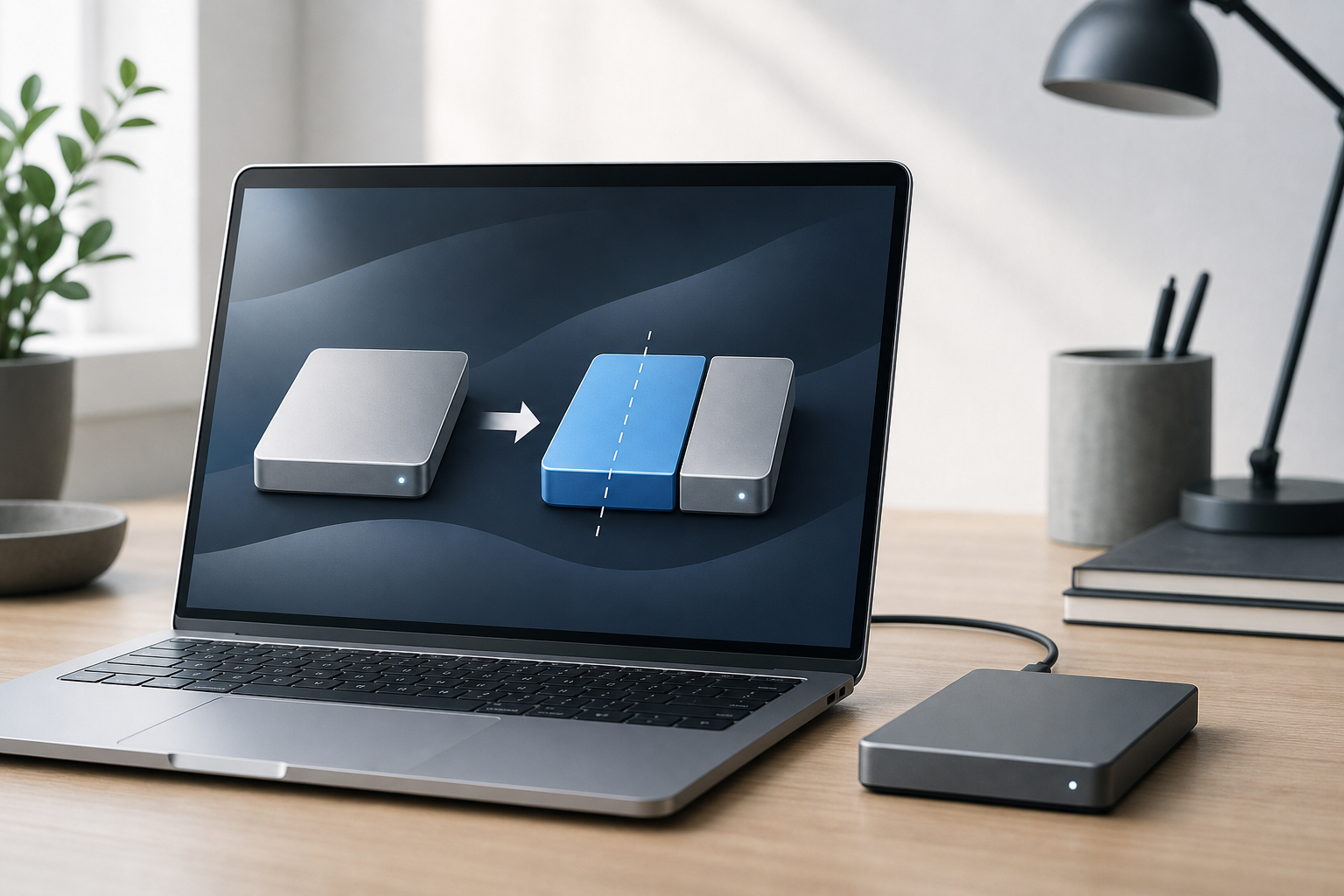
To partition an external drive on a Mac, use Disk Utility. Select the physical drive in the sidebar, choose Partition, select GUID Partition Map if you are erasing the drive, and create one or more partitions with the file systems you need. Important: Partitioning can erase data, especially when you change the drive’s partition scheme … Read more

How to Format an External Drive on a Mac

Illustration for How to Format an External Drive on a Mac

To format an external drive on a Mac, open Disk Utility, select the correct physical drive, click Erase, choose a format and partition scheme, and confirm. Formatting erases everything on the selected drive, so copy any files you want to keep before continuing. For most uses, choose: APFS for a drive used primarily with modern … Read more