How to Merge Two Photos Libraries on a Mac

Illustration for How to Merge Two Photos Libraries on a Mac
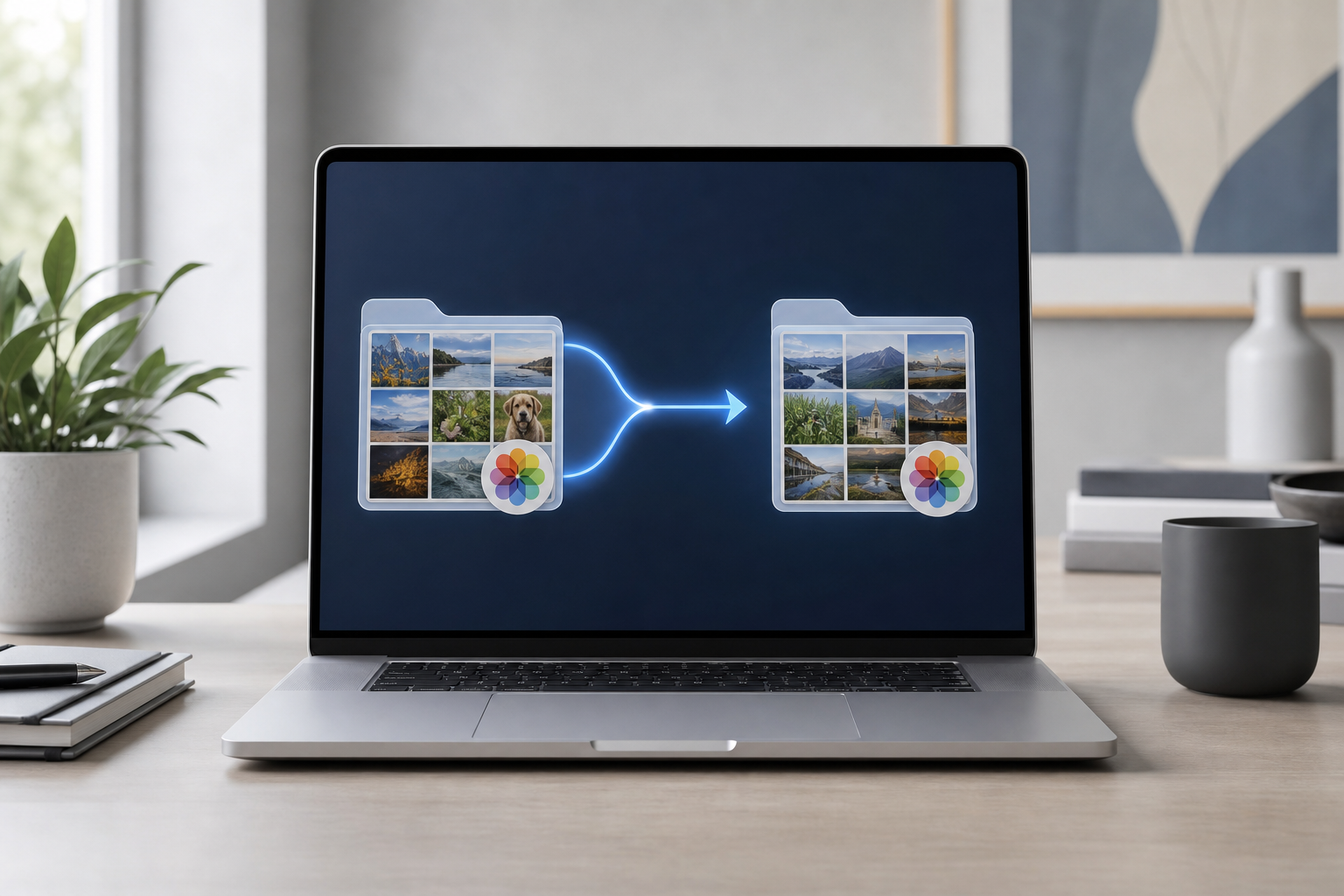
Quick Answer The Photos app does not include a built-in Merge Libraries command. To combine two libraries, use Apple’s Migration Assistant inside Photos: Back up both Photos libraries. Open the library you want to keep as the main library. Quit Photos. Hold Option while opening Photos. Select the other library and choose Migrate. Reopen the … Read more

How to Restore a Photos Library from Time Machine on a Mac

Illustration for How to Restore a Photos Library from Time Machine on a Mac

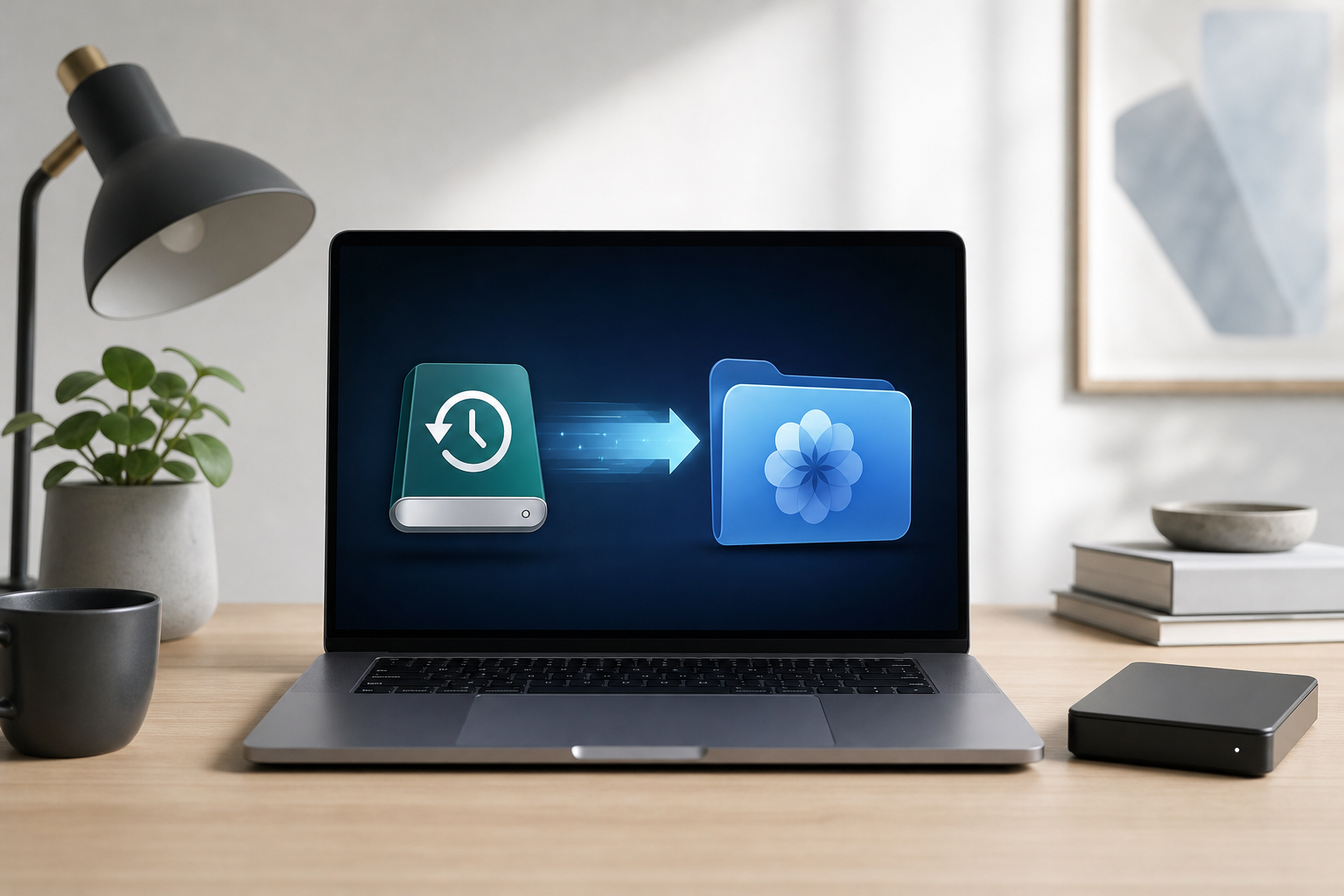
Quick Answer To restore a Photos library from Time Machine, quit Photos, open the backup in Finder or enter Time Machine, locate the Photos Library.photoslibrary file, and restore it to your Mac. Before You Restore Your Photos Library A Photos library is a package that stores your photos, videos, edits, albums, metadata, and other Photos … Read more

How to Free Up Storage Used by Photos on a Mac Without Deleting iCloud Photos

Illustration for How to Free Up Storage Used by Photos on a Mac Without Deleting iCloud Photos

Quick Answer To free up Mac storage without deleting photos from iCloud, turn on Optimize Mac Storage in the Photos app: Open Photos. Choose Photos > Settings from the menu bar. Select iCloud. Turn on Optimize Mac Storage. Your full-resolution originals remain in iCloud, while your Mac keeps smaller versions when space is needed. You … Read more

How to Find the Original Photo Files Stored in a Photos Library on a Mac

Illustration for How to Find the Original Photo Files Stored in a Photos Library on a Mac

If you use Apple’s Photos app, your pictures are usually stored inside a Photos Library package rather than in ordinary folders you can browse normally. To find the original files, open the library package in Finder, then navigate to: Photos Library.photoslibrary/originals/ Before changing anything, make a copy of the library or use Photos’ built-in export … Read more

How to Fix photoanalysisd Using Too Much CPU on a Mac

Illustration for How to Fix photoanalysisd Using Too Much CPU on a Mac

If photoanalysisd is using too much CPU on your Mac, it is usually analyzing your Photos library. This background process identifies people, pets, objects, scenes, and other content so that Photos can provide search and organization features. High CPU usage is often temporary, especially after importing many photos, restoring a library, or updating macOS. The … Read more