How to Arrange Multiple Displays and Choose the Main Screen on a MacBook
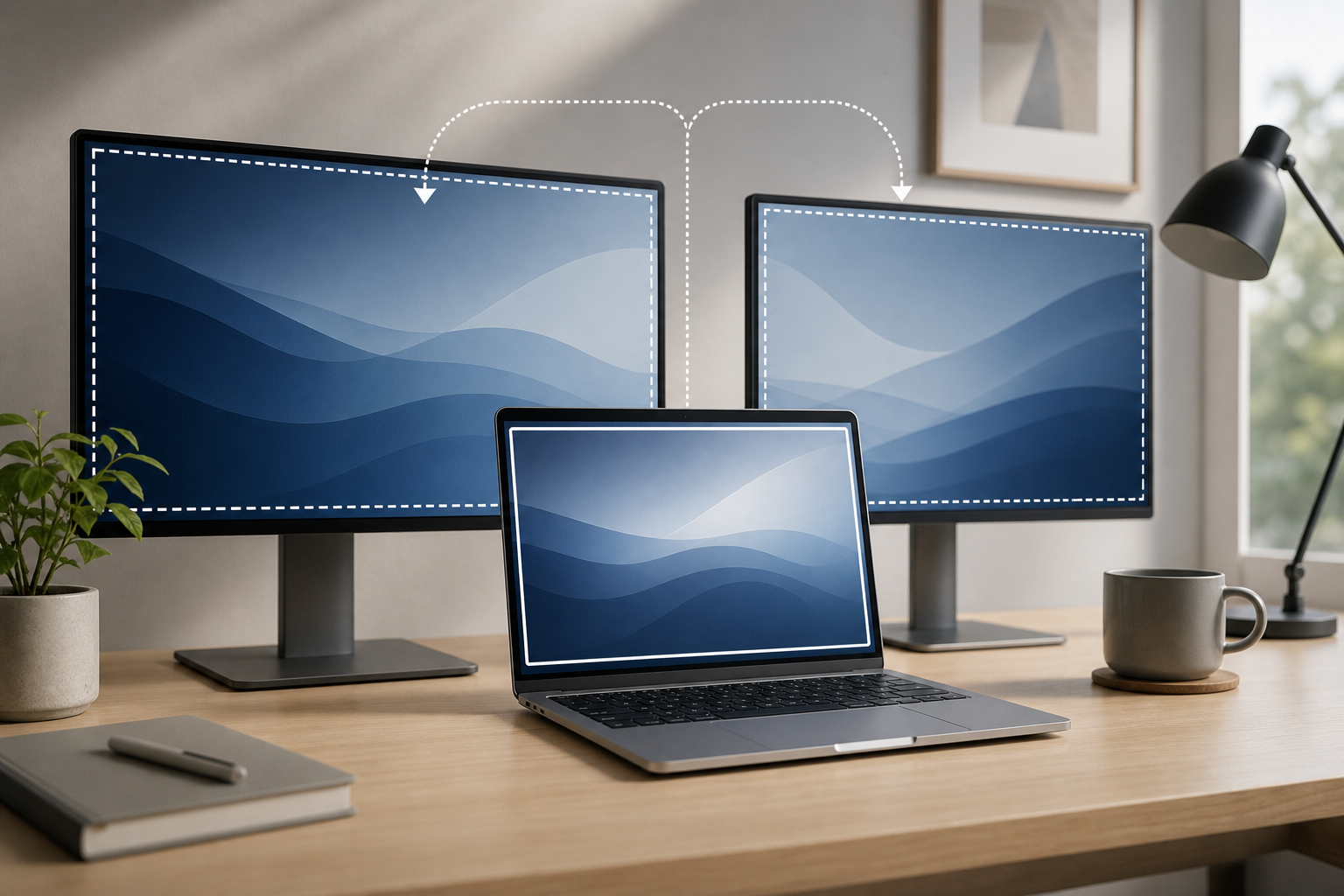
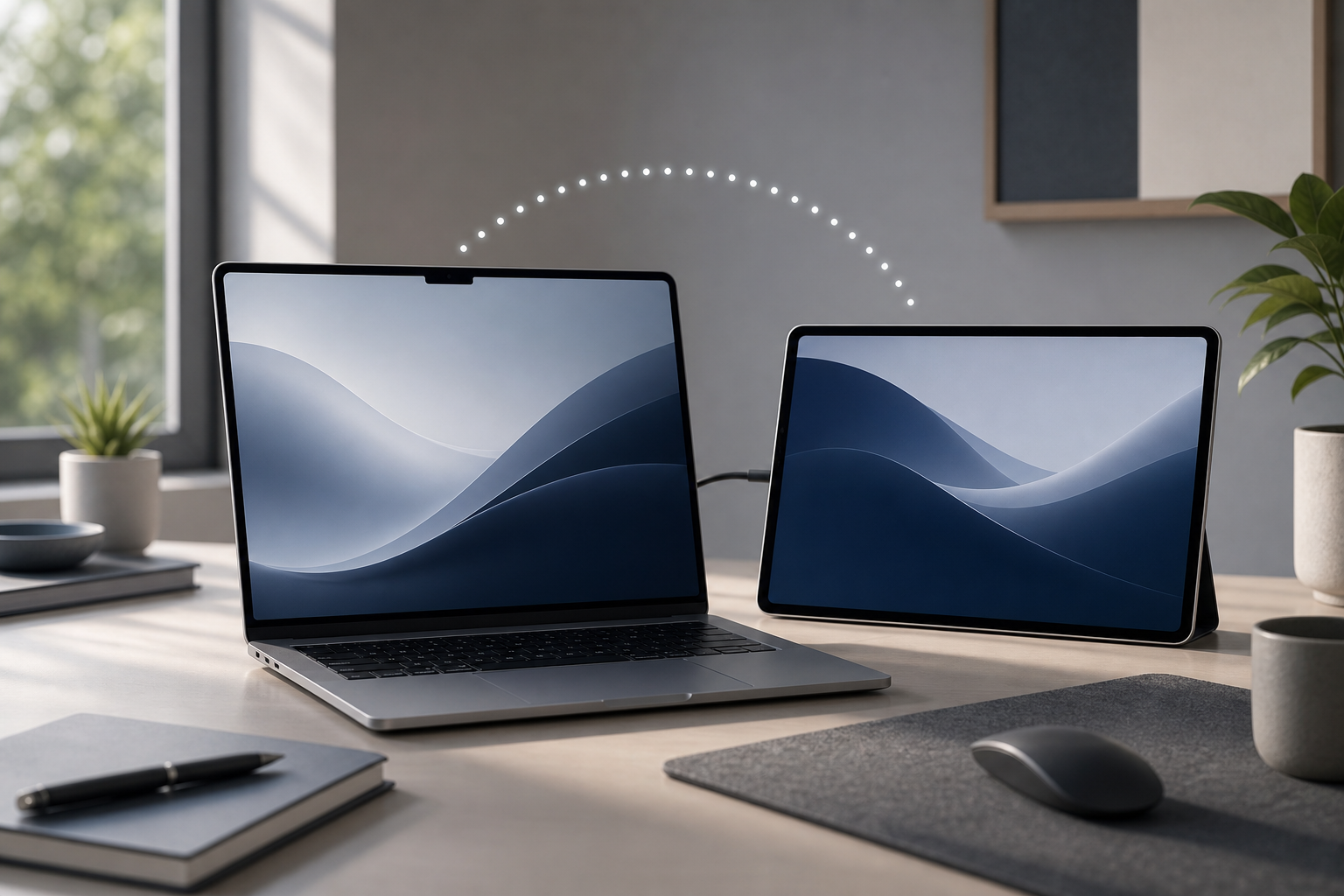
macOS lets you arrange external monitors, choose which display acts as the main screen, mirror the same image, or extend your desktop across several displays. The key setting is the main display indicator: in System Settings > Displays, select the display you want to use as the primary screen, then choose where the menu bar … Read more