How to Fix Blurry Text on an External Monitor Connected to a MacBook

Illustration for How to Fix Blurry Text on an External Monitor Connected to a MacBook
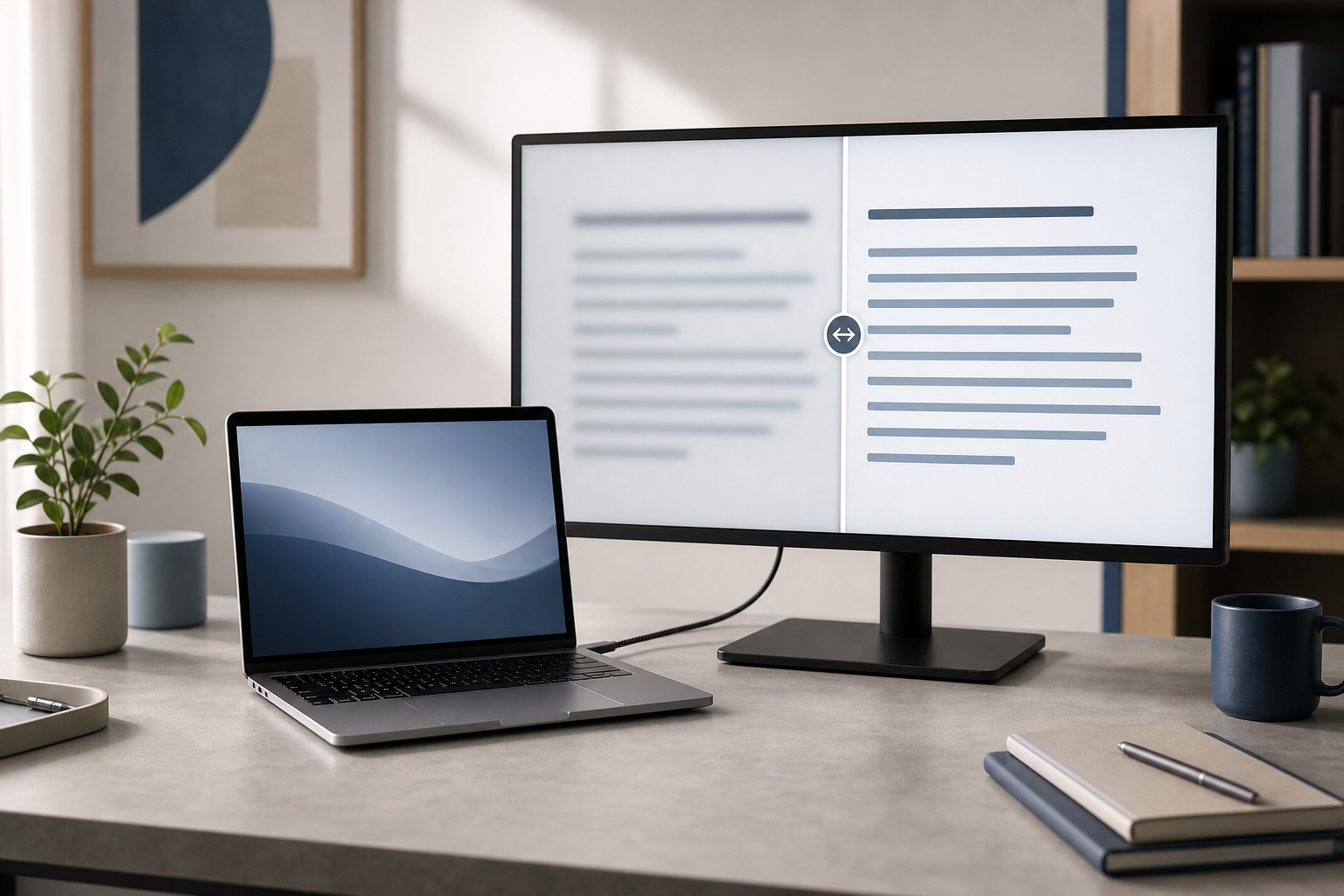
Blurry text on an external monitor connected to a MacBook is usually caused by an unsuitable display resolution or scaling setting, a low-quality cable or adapter, or a mismatch between the monitor and macOS. Start by selecting the monitor’s native resolution in System Settings > Displays, then check the cable, refresh rate, and display connection. … Read more
How to Arrange Multiple Displays and Choose the Main Screen on a MacBook

Illustration for How to Arrange Multiple Displays and Choose the Main Screen on a MacBook

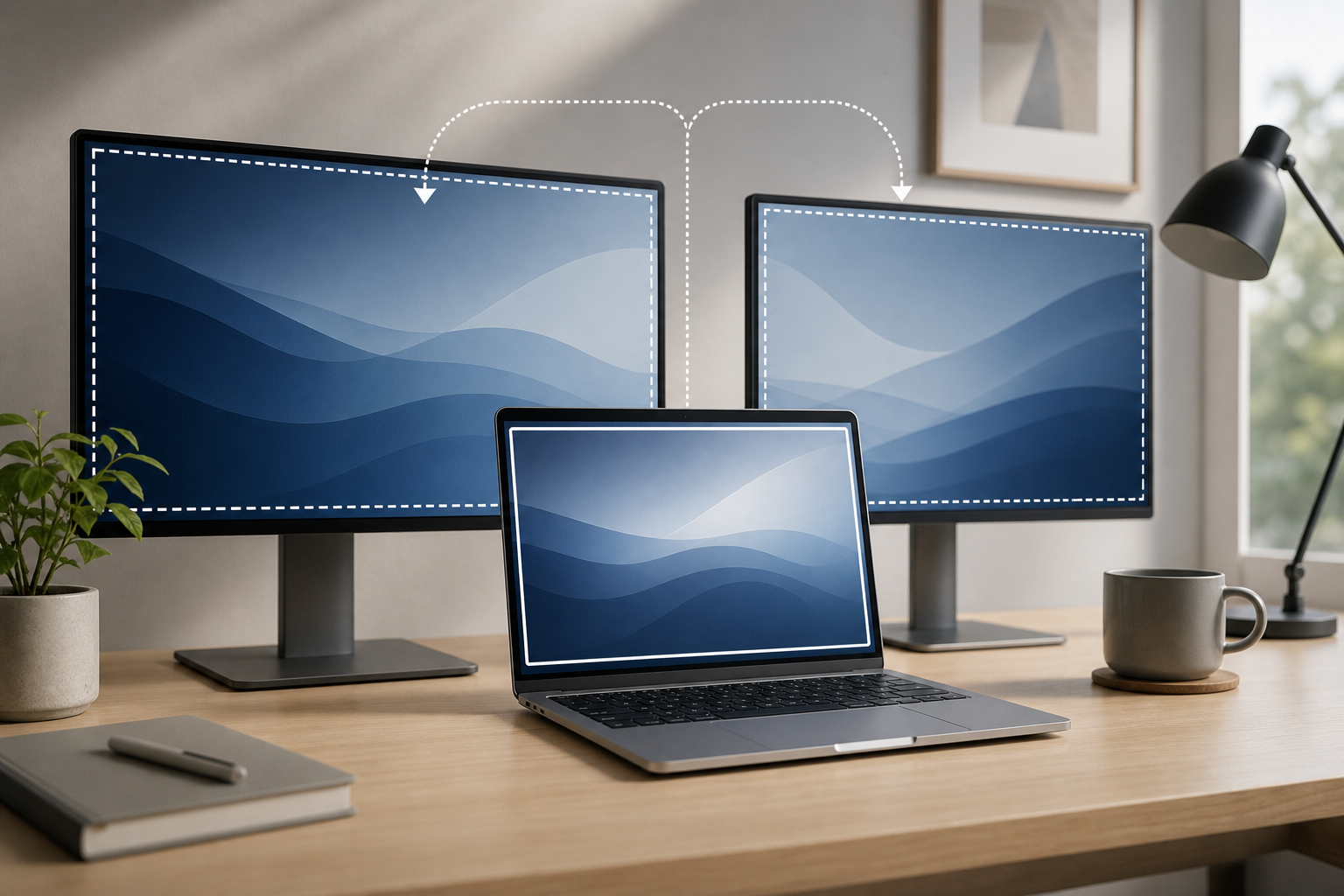
macOS lets you arrange external monitors, choose which display acts as the main screen, mirror the same image, or extend your desktop across several displays. The key setting is the main display indicator: in System Settings > Displays, select the display you want to use as the primary screen, then choose where the menu bar … Read more

How to Connect a MacBook to an External Display via USB-C, HDMI, or Thunderbolt

Illustration for How to Connect a MacBook to an External Display via USB-C, HDMI, or Thunderbolt

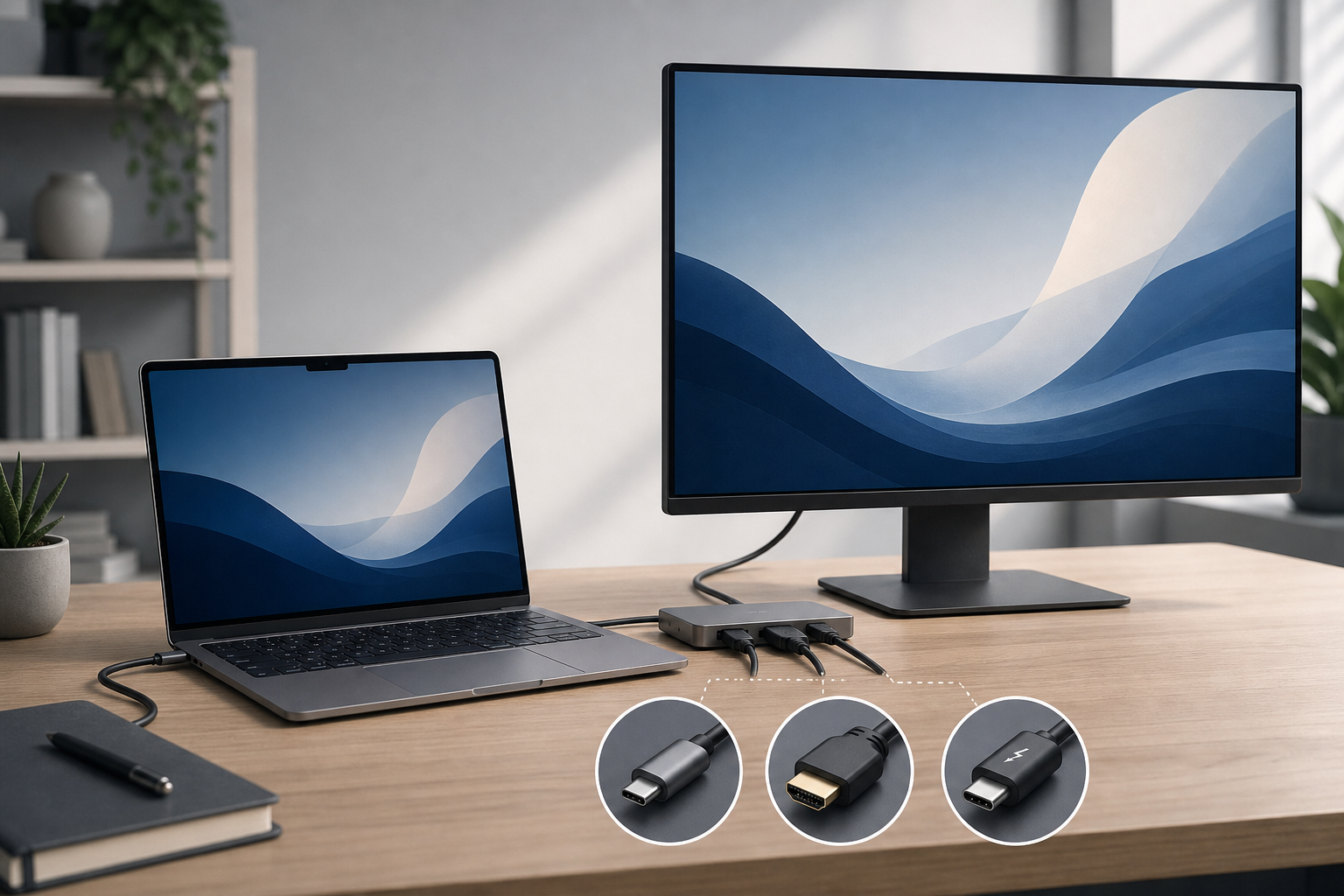
You can connect a MacBook to an external display with a compatible USB-C, HDMI, or Thunderbolt cable. Plug the cable into the MacBook and the monitor, select the correct input on the display, then arrange the screens in System Settings > Displays. The exact method depends on your MacBook’s ports, the display’s inputs, and the … Read more

How to Fix an External Display That Keeps Flickering on a Mac

Illustration for How to Fix an External Display That Keeps Flickering on a Mac

An external display that flickers, flashes black, or repeatedly disconnects from a Mac usually has a problem with the connection, refresh rate, resolution, adapter, dock, or display software. Start by reseating the cable and restarting the Mac and monitor. If that does not help, test a different cable or port, use a standard refresh rate … Read more

How to Calibrate an External Display on a Mac

Illustration for How to Calibrate an External Display on a Mac

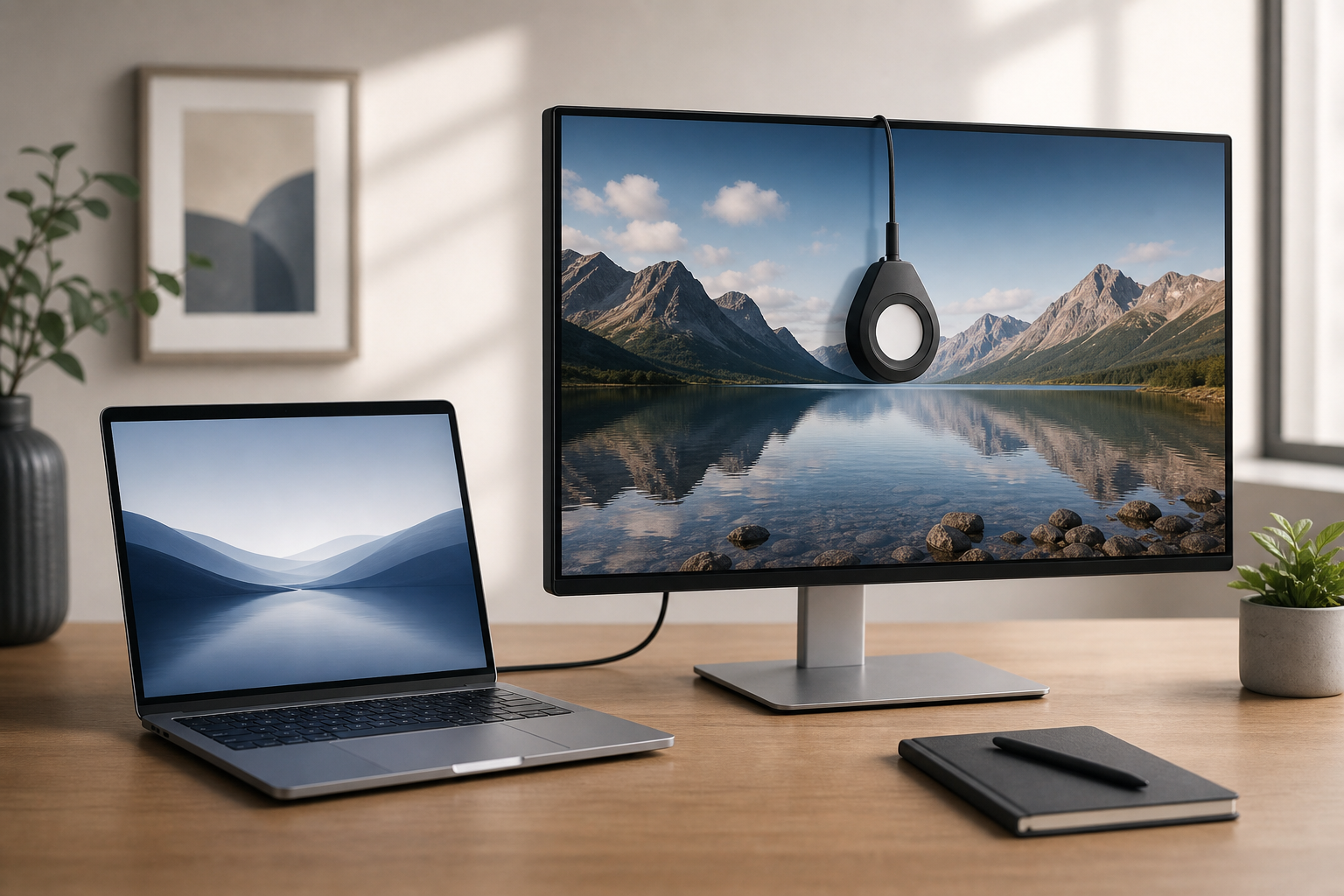
An external display can look too warm, too cool, overly bright, or noticeably different from your MacBook’s built-in screen. macOS includes a built-in Display Calibrator Assistant that can create a custom color profile for the monitor. It is free and useful for everyday work, photo viewing, and more consistent color between screens. For the most … Read more

How to Fix an External Display Not Detected by Mac

If your Mac is not detecting a monitor, check the connection first, then use System Settings to look for the display manually. Confirm that the cable, adapter, dock, and monitor input are correct. If the screen still does not appear, disconnect accessories, restart the Mac, adjust display settings, and test in Safe Mode. Quick Answer … Read more