How to Connect a MacBook to an External Display via USB-C, HDMI, or Thunderbolt
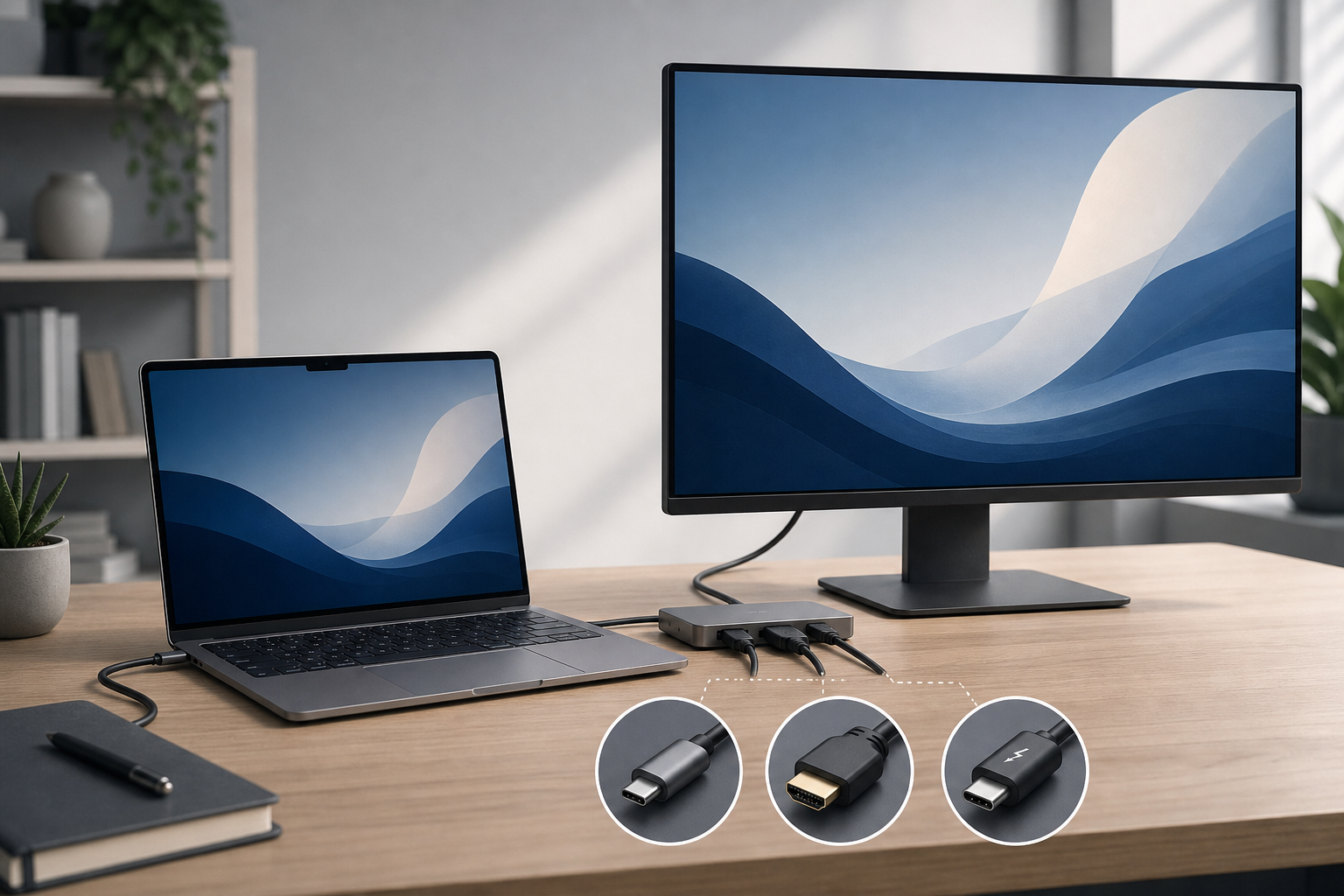
You can connect a MacBook to an external display with a compatible USB-C, HDMI, or Thunderbolt cable. Plug the cable into the MacBook and the monitor, select the correct input on the display, then arrange the screens in System Settings > Displays. The exact method depends on your MacBook’s ports, the display’s inputs, and the … Read more